Security
Install safety
You install Koder on your own computer. We do not deploy the software onto your machine, and there is no organization-wide install managed from one place.
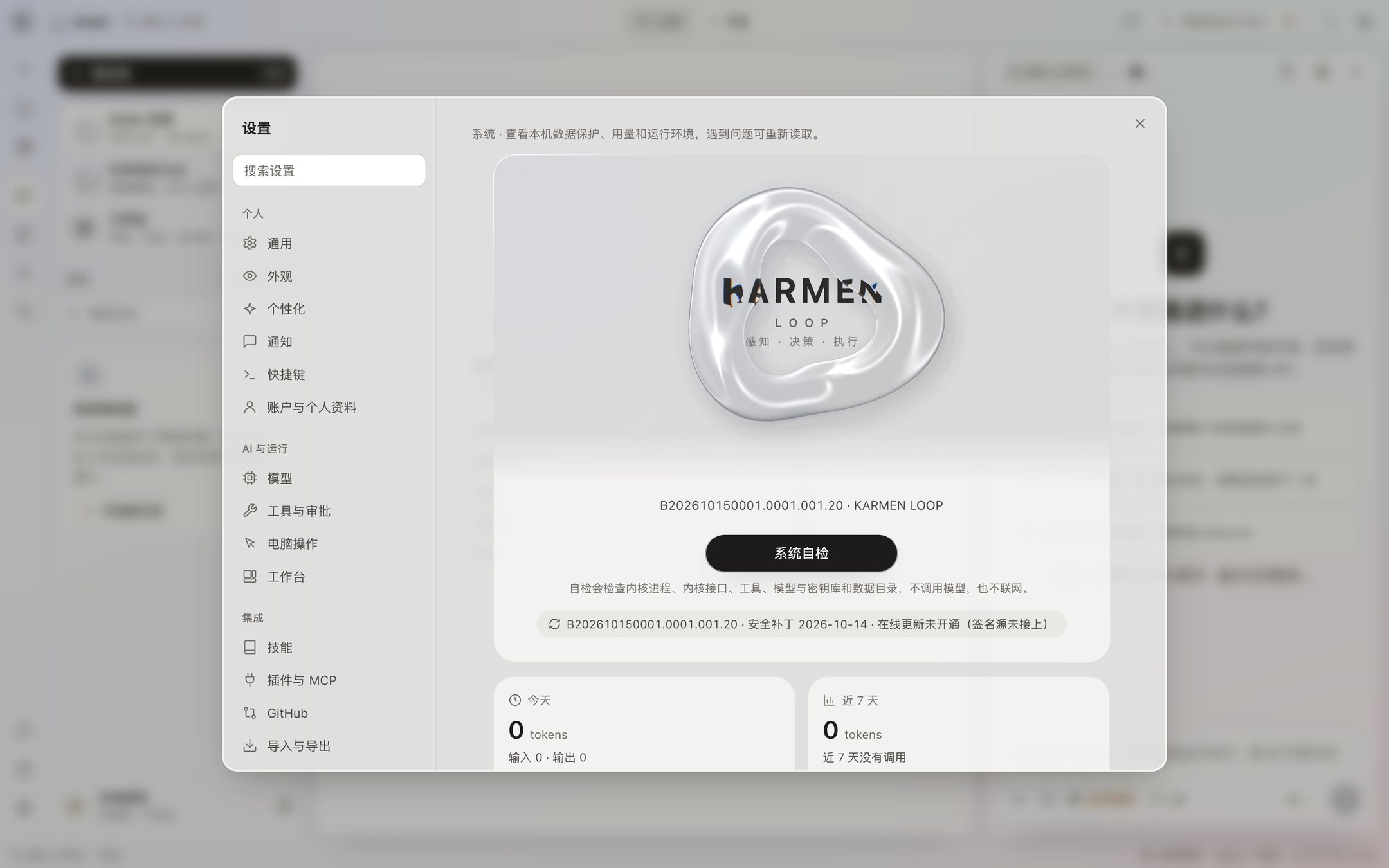
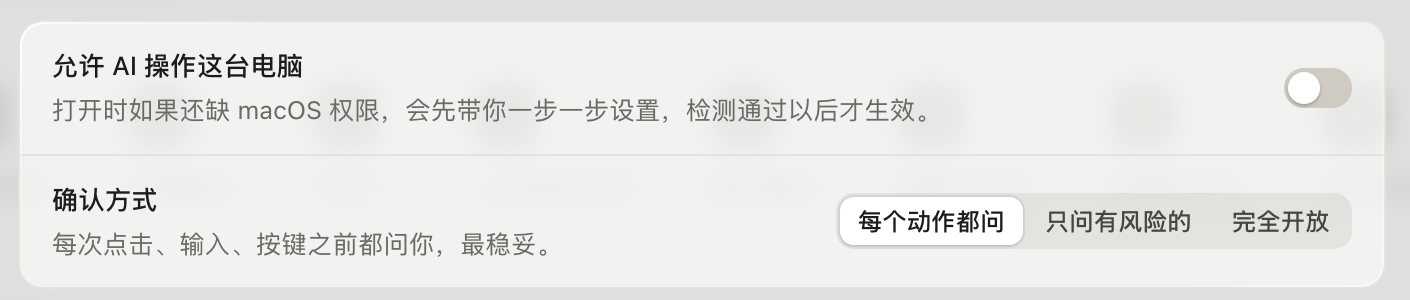
1 / 2
- This is a beta. The download needs an invite code. This Mac build is Apple silicon. It has no Developer ID signature and is not notarized. There is no Intel build.
- The 64-bit installer is not code-signed. Installing it does not need an administrator. It has not been tested on a real Windows PC. There is no separate 32-bit package.
- The installer includes Python 3.12.15. Opening the runtime page in Settings does not rebuild it on its own.
- Computer use is off by default. The first time you turn it on, on a Mac, you grant Accessibility and Screen Recording yourself in System Settings.
- The update address is not online yet, so the app does not download a new version from the network. A new version is something you install yourself from the download page. The plan for security patches is on Security patches. The current installer does not check for them on its own.
- There is no remote install, and no configuration that can be pushed out to a whole organization.
The install steps are in the tutorial. Approvals, keys, and the local boundary after you install are in Safeguards.
There is no remote-install step
Koder is installed only on your own computer. There is no remote push, no switch that sends the same configuration to many computers, and no settings page where you enter a server address. What Settings → System can check is the version and the patch level of this package.
The installer is unsigned, and the Mac build is not notarized. A warning from the system is expected. You grant the system permissions for computer use yourself, and after an update you may have to grant them again. Computer use stays off unless you turn it on.