Mac
Koder for Mac beta 0.4.53
Apple silicon (arm64) · macOS 13 or later
Enter the invite code after you click download. A wrong code does not download anything.
Install steps and file checkDownload
This is a closed beta. The desktop app asks for an invite code after you click download, and Mac and Windows use the same code. The CLI and the TUI need no invite code. Their install steps are in the project repository.
0Total downloads 0Mac 0Windows
This build is Apple silicon only and needs macOS 13 or later. There is no Intel build yet.
Click download above and enter the invite code. The file is Koder-0.4.53-mac-arm64.dmg, about 222 MB.
Run this in Terminal. The output should match the SHA-256 on the right:
shasum -a 256 ~/Downloads/Koder-0.4.53-mac-arm64.dmg This installer has no Developer ID signature, and Apple has not notarized it. After you download it, or copy it from another Mac, macOS blocks the first open. You have to allow it once from the shortcut menu:
If the dialog has no Open button, go to System Settings › Privacy & Security, find Koder near the bottom, and click Open Anyway.
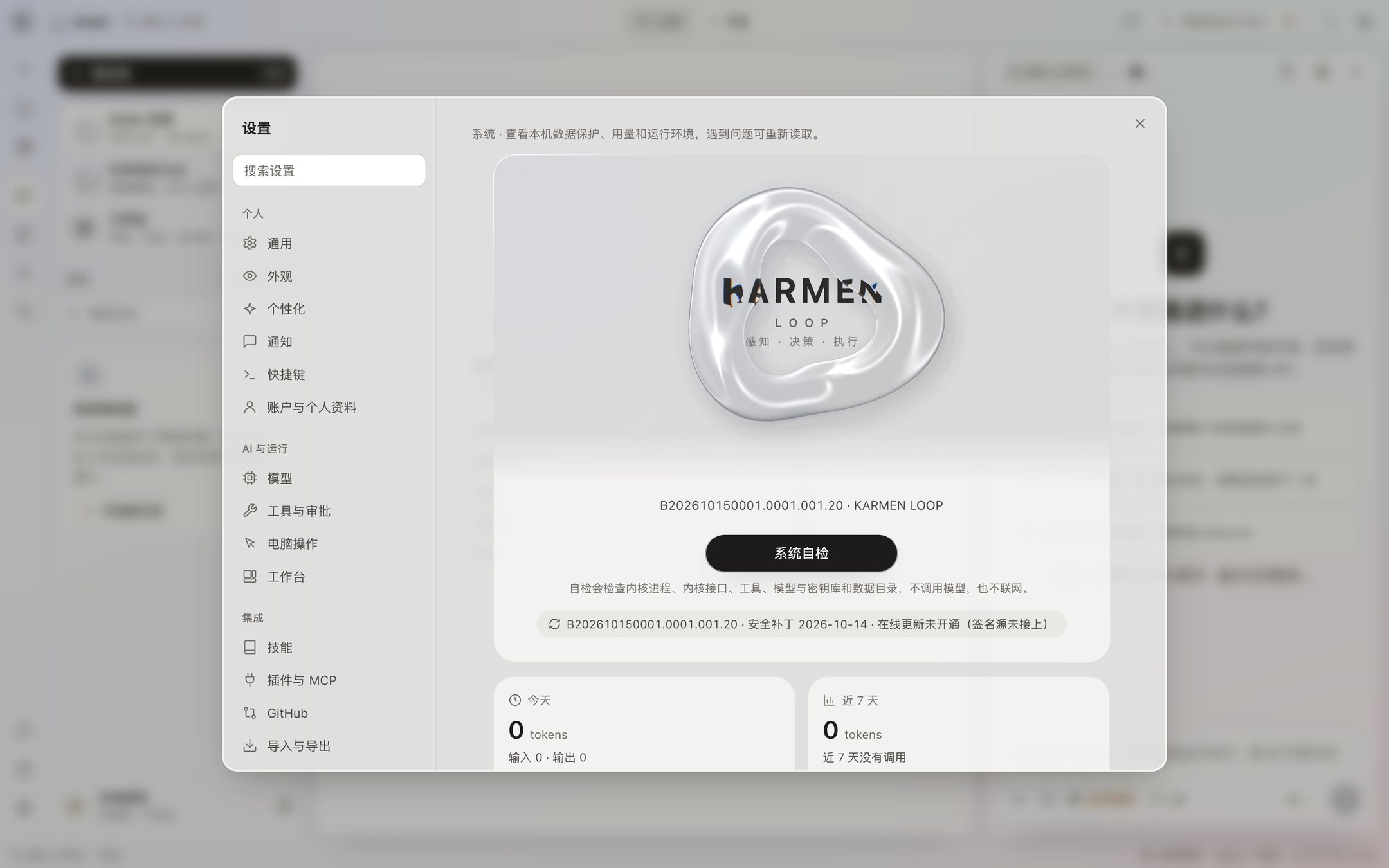
Koder does not include a model. The first time you use it, add your own model service and key in Settings. You do not need an account. There is no cloud account in the app, and the bottom of the sidebar says local use, not signed in.
New versions are posted on Updates. Security patches are posted on Security patches.
1 / 2
Only for 64-bit Windows 10 and Windows 11.
Beta · Mac 0.4.53 / Windows 0.4.54 · Windows 0.4.54 addresses key lookup and startup failures. Windows testing is in progress; Mac remains at 0.4.53.
Open PowerShell, paste the line, and press Enter. It asks for the invite code, then downloads, checks the file, and opens the installer. You do not download the installer yourself.
irm https://karmenloop.com/install/koder-setup.ps1 | iex If you are in Command Prompt, use this line instead:
powershell -NoProfile -ExecutionPolicy Bypass -Command "irm https://karmenloop.com/install/koder-setup.ps1 | iex" Click download on the card on the right. That asks for the invite code too. Double-click the installer, pick a folder in the install window (the default is the current user), and open it later from the desktop or the Start menu.
Run this in PowerShell. The Hash should match the SHA-256 on the right. Letter case does not matter.
Get-FileHash $HOME\Downloads\Koder-0.4.54-windows-x64.exe -Algorithm SHA256 This installer is not code-signed. Windows may say it can’t verify the publisher, or show “Windows protected your PC.” Check the SHA-256 below first. If it matches, click More info, then Run anyway.
Uninstalling removes the app. It does not delete app data.
Every version we have built is here. Only the latest one can be downloaded, and older installers are not offered. From 0.4.26 on, the build number is shown too, matching Settings → System.
There is no Intel build yet.
64-bit Windows 10 and Windows 11.
There is no 32-bit installer right now.
There is no NVIDIA-specific package right now.
There is no AMD-specific package right now.
There is no ARM build, and no compatibility package, right now.
Not available yet.
Not available yet.
Not available yet.
The file name, byte count, and SHA-256 on this page should be the same package you see under Settings → System after you install, including the version and the security patch level. The current patch level is baked into the installer. It is not applied later from the network. Check for updates says the update address is not online yet, and it does not download anything on its own.
This Mac build is Apple silicon only. There is no Intel build. The installer has no Developer ID signature and is not notarized. The other file is a 64-bit installer, marked as a preview. It has not been tested on a real PC of that kind. It does not ask for an administrator by default, and it includes its own Python. Both need an invite code. Opening the file address without one is refused.
The terminal release is separate from the desktop installer. GitHub preview and checksums · Install · All 30 lessons. Website /install CLI files match this release.
An older updater stops before download because the license digest changed, and KODER_EULA_ACCEPT does not bypass that check. Use the ordinary install command, then type accept. The overlay install keeps configuration, memory and channel bindings. Running koder update directly does not unconditionally complete this upgrade. Session continuity from preview.6 onward is in the release note. The TUI package remains 0.1.0; current public SDK source is 0.1.1; the Windows desktop hold does not establish native Windows CLI acceptance.
New CLI distributions adopting Koder-EULA-1.1 are free for personal, noncommercial use. Commercial use, paid client work and organizational deployment require separate written authorization. The personal license grants no secondary development or proprietary code-modification rights. Earlier distributions and third-party components retain their own licenses.
The local KARMEN LOOP task kernel connects plans, permission checks, tools and saved results. Public descriptions cover capabilities without publishing private development source.
Company licensing + dedicated private repositories: info@karmenloop.com. A separate written agreement defines users, deployment, repository contents, maintenance, support and any development rights. An inquiry does not provision a repository or grant commercial rights.
Find Koder useful? An optional GitHub star helps others discover it. Skip freely; it never affects access.
Local private collections let Koder find skills and templates on demand. Model access is off by default; explicit authorization allows selected excerpts to reach the configured model. Original collections are excluded from public packages and the website, and bundled scripts never run on import. See private collection controls or run koder business for licensing inquiries.
The official encrypted reference library retrieves selected workflows without preloading the full library. Its first edition contains 1,004 licensed Koder adaptations, with required third-party notices. Search keywords and resource IDs reach the official service; keep queries free of private data. Disable with KODER_REMOTE_RESOURCES=0. Read the retrieval and privacy guide.
No public model weights or hosted API are available yet. See the model page for the current status. Existing Koder downloads use the model you configure.