Tasks
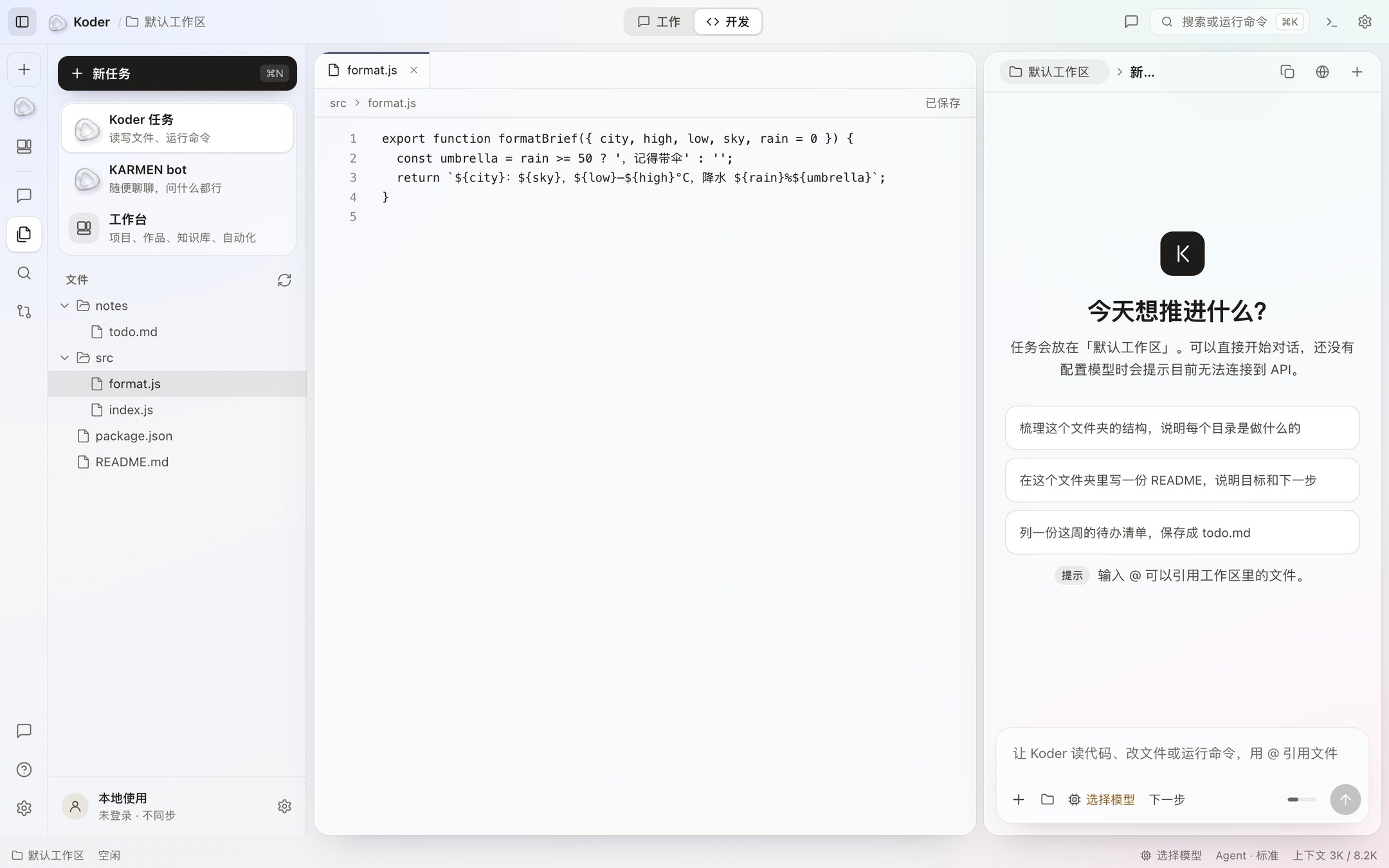
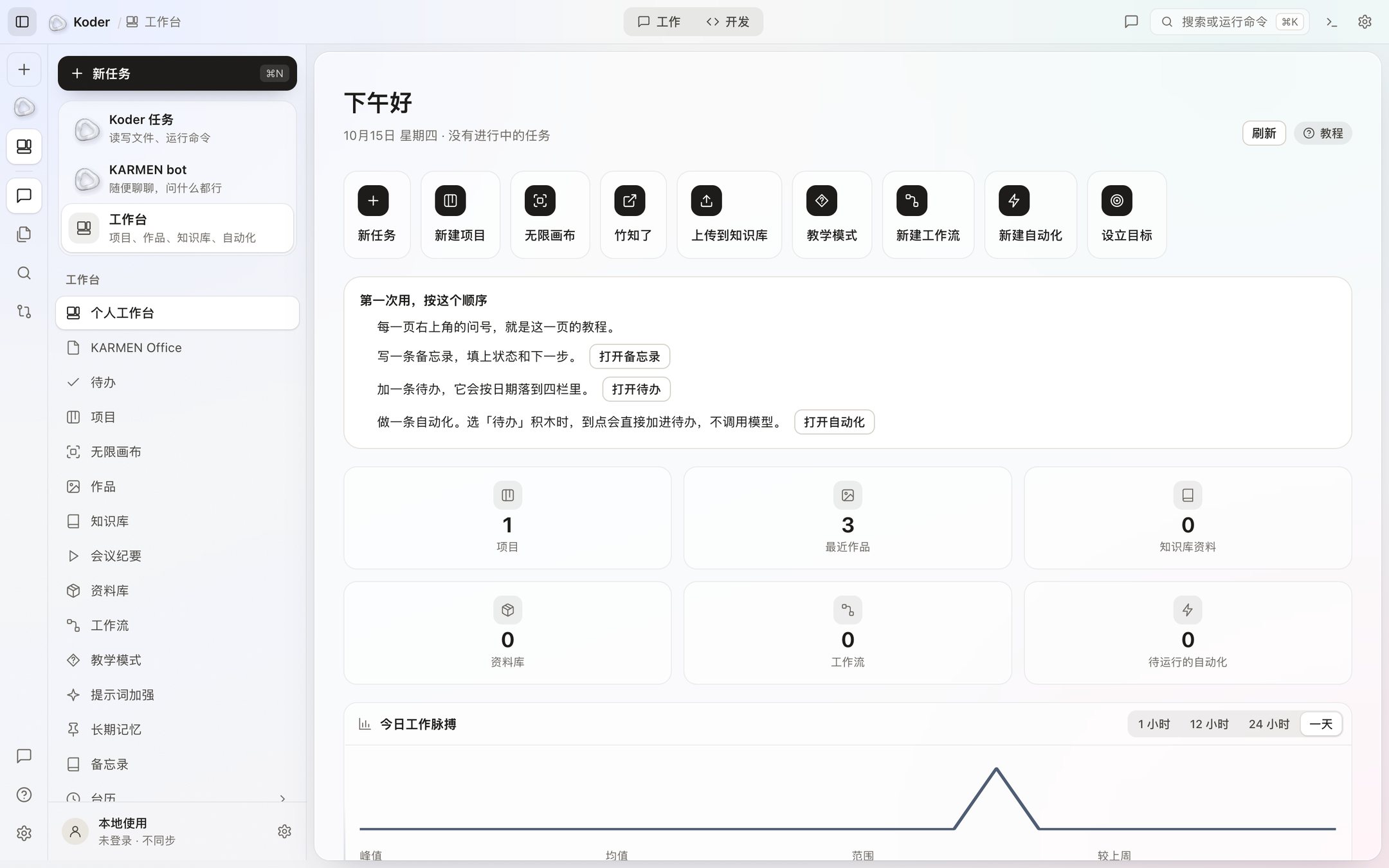
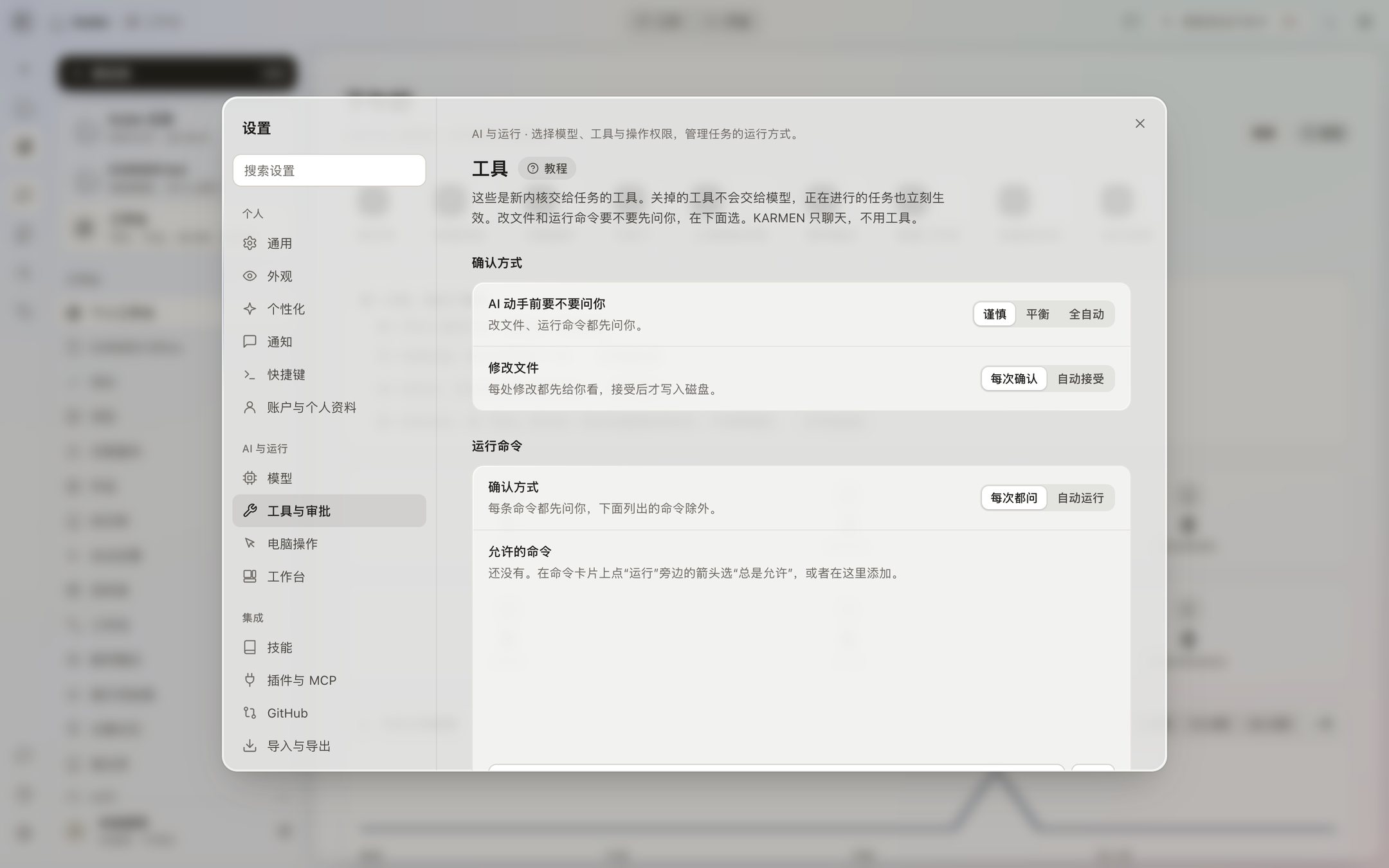
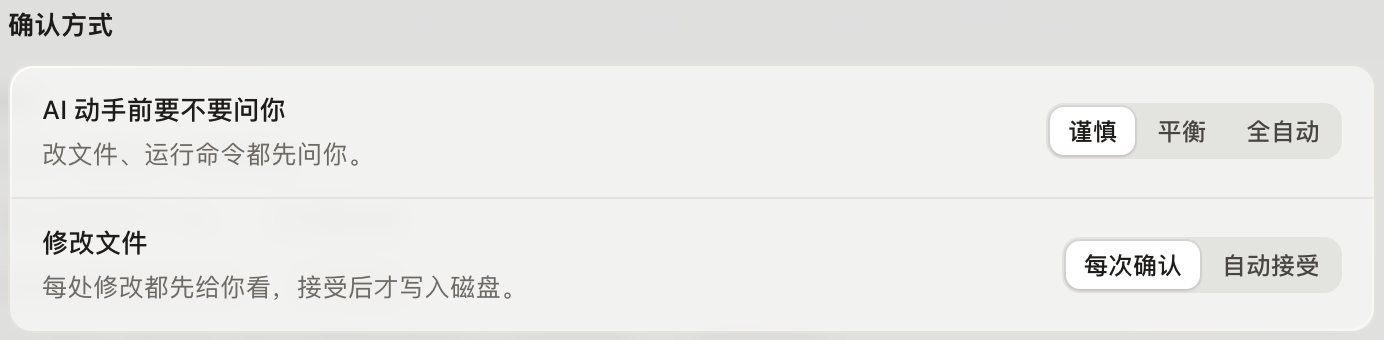
The top of the task window switches between a work view and a dev view. In the dev view, tasks and files are on the left, the editor is in the middle, and this turn’s chat is on the right. The work view puts the chat in the middle. When a file needs to change, the chat shows the before and after first. It is written only when you click Accept.