Security
Security and privacy
On our side, we do not receive your tasks, chats, files, or keys. What you send to a model service is handled by the provider you chose.
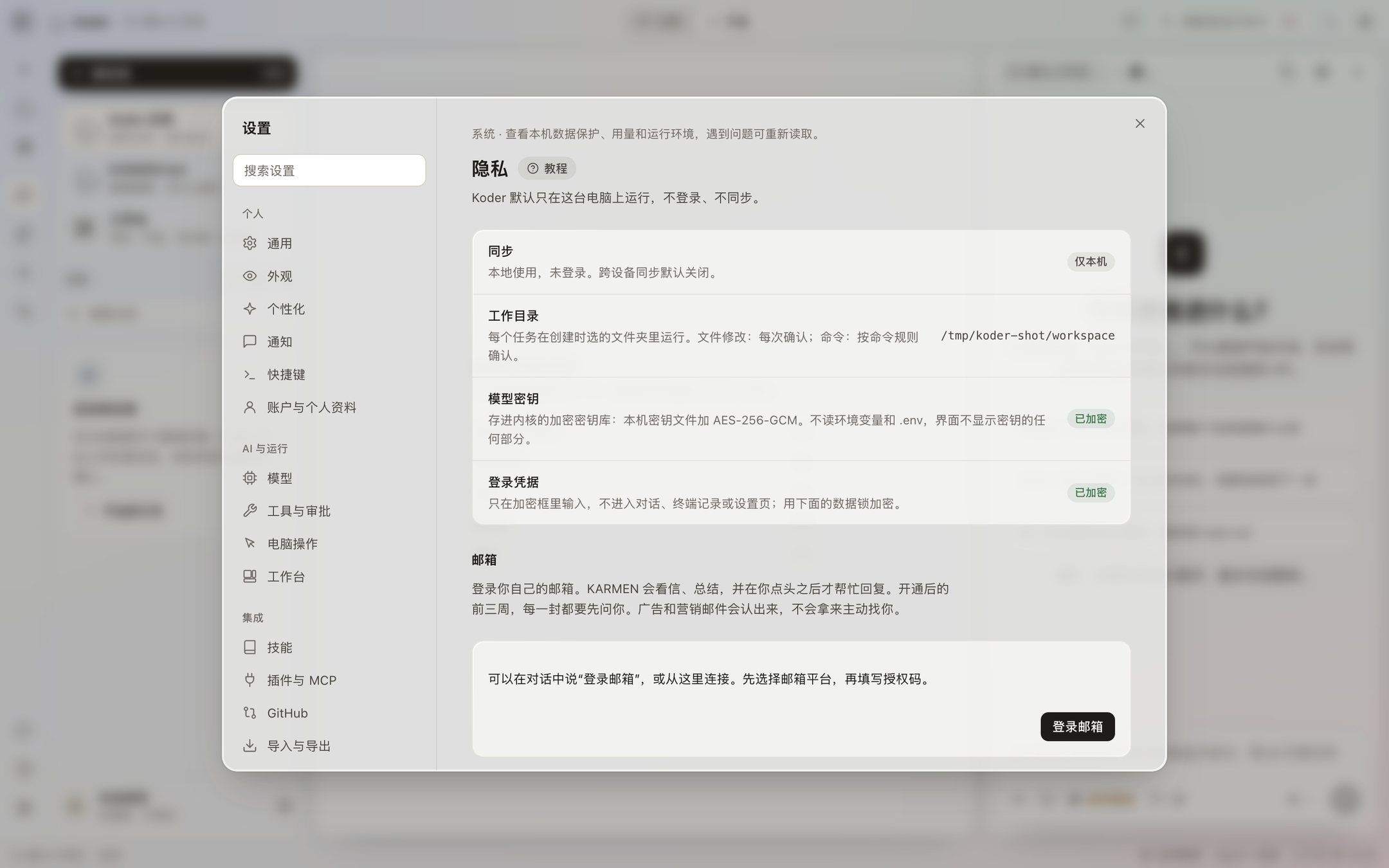
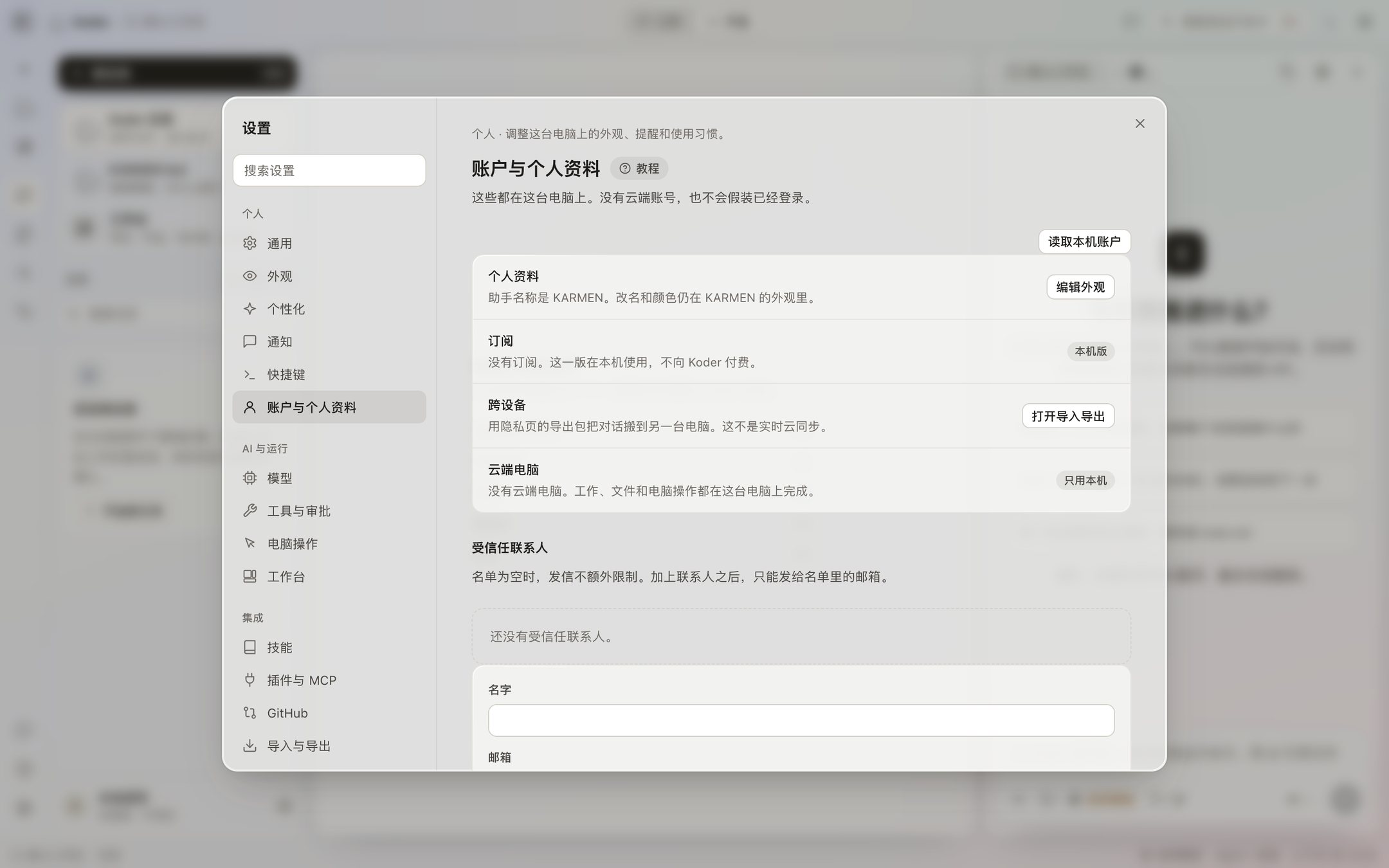
1 / 2
It stays on your computer
You can use it without registering. There is no cloud sync. Usage is not uploaded on its own: what you click, which features you use, what went wrong, and the computer model are not sent back to us. A usage record stays on this computer, and it does not include the message or the file. Copyright, download terms and international use are on this page. Contact info@karmenloop.com.
What goes to the model service
When you send a message, the message, the chat history, and the files the AI read go straight to the model service you picked in Settings. They do not pass through us. Whether that provider keeps the content, or uses it for training, is up to the provider. If that matters to you, read the provider’s policy first, or connect a model that runs on your own computer.
Network tools you can turn off
Web search sends the query to the search service. Fetching a page is your computer opening that address directly. You can turn both tools off on the Tools page.
The original text, and later changes
That is how the desktop app works today. The original text is the privacy notice and the security notice. If an official model later receives your content, the privacy notice changes first, and the app tells you. Until working with other people opens, collaboration records are not uploaded because of that.
The four lines on the privacy page
Settings → Privacy and data says tasks, chats, files, and keys stay on this computer. The data lock encrypts workbench records and saved sign-ins. A factory reset destroys that key first, and those records cannot be opened after that. You can download a diagnostic log on this computer, and keys are stripped from it. The usage page has token counts and an estimate. It does not have the text of a message.
A message you send goes straight from this computer to the model service you chose. It does not pass through us. If an official model later receives content, the privacy notice changes first. Account sign-in is not available. The sidebar currently says not signed in.