Support
Help
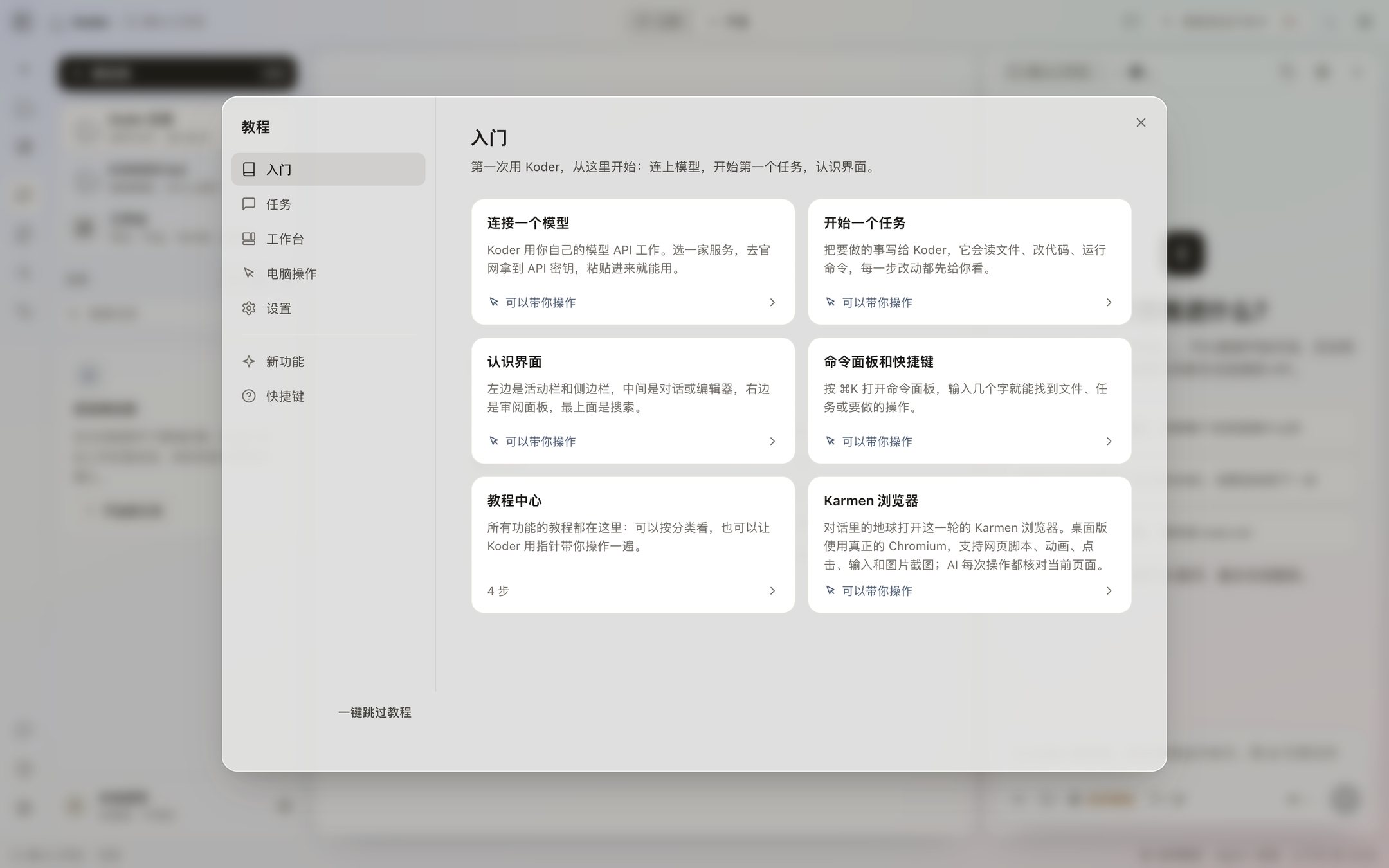
Install, settings, updates, and security are on these pages. The tutorial center in the app has the same steps, and a few of those lessons move the pointer across the interface.
1 / 3
Start with install
The invite code, connecting a model, the first task, and approving a change.
Settings
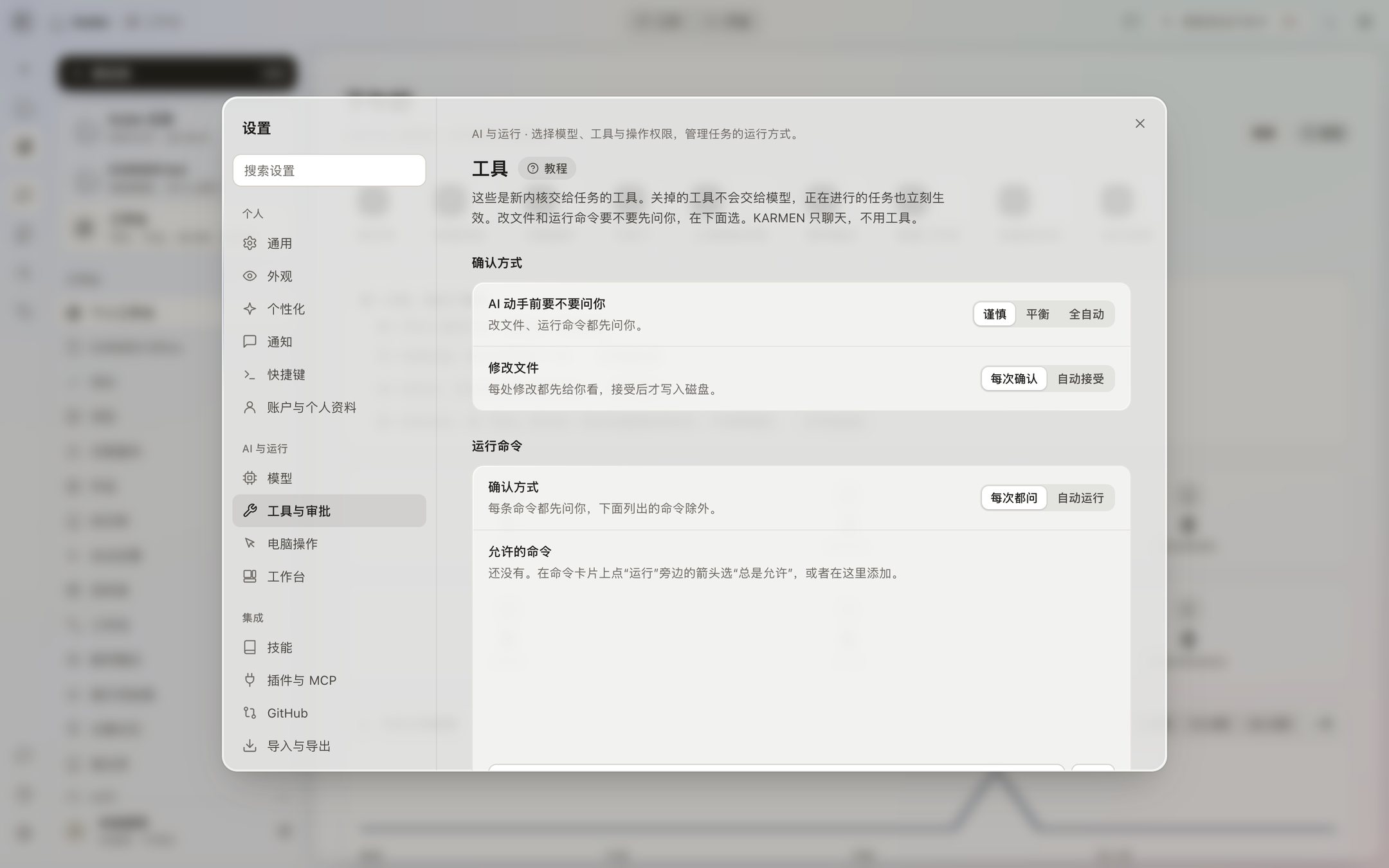
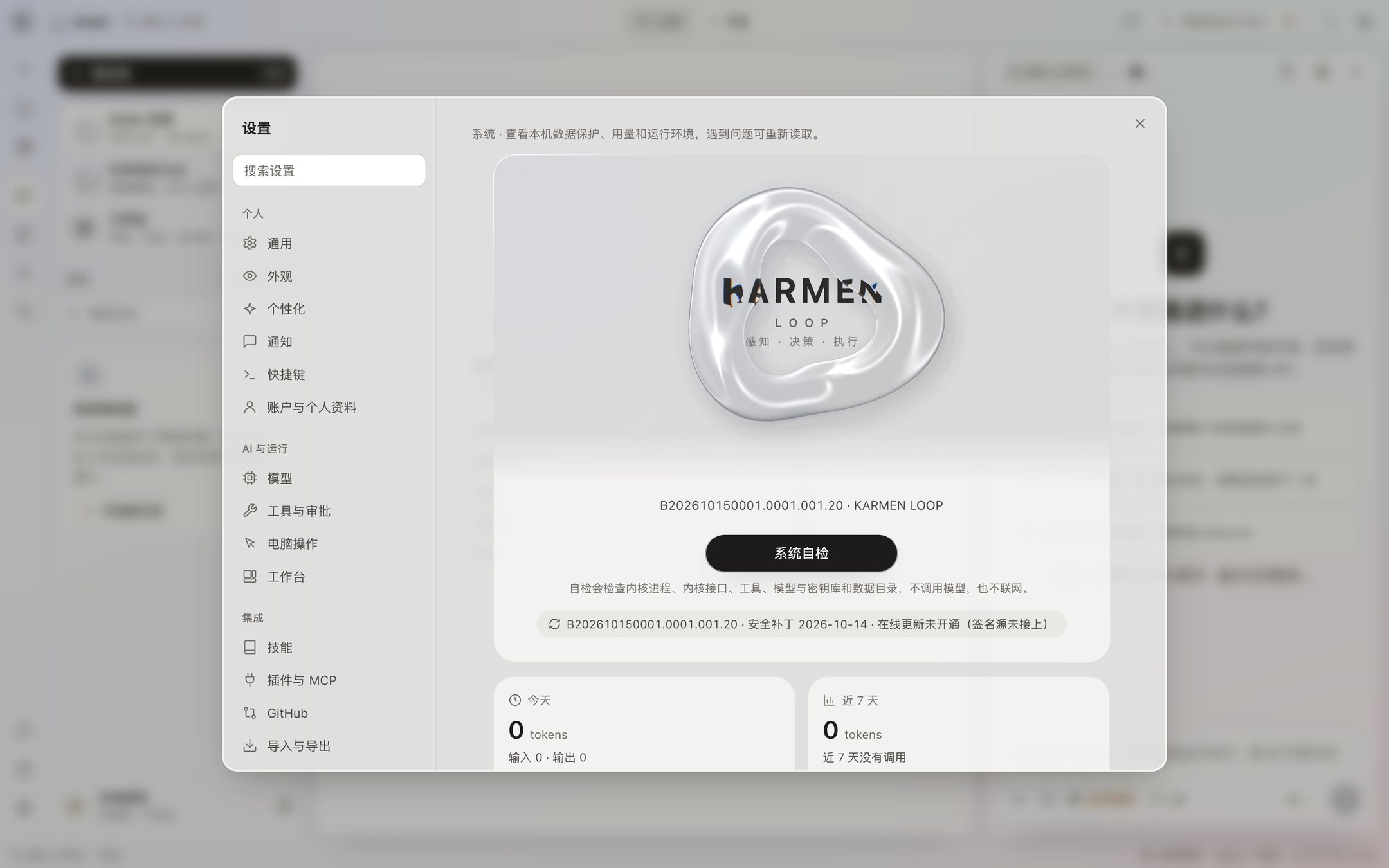
Personal, AI and running, Integrations, and System, and what each page does.
Download and checksum
The current installer, the SHA-256, and the Intel build that does not exist yet.
Release notes
Check for updates in the app says the update address is not online yet.
Security patches
The patch level is written into the installer. No security patch has been published online yet.
Status
Where to look if the app won’t open.
Security
Approvals, keys, the installer, and privacy.
Models
Connect an available model today. ESVORIQ 1.0 is in training.
Working with other people
This is being finished and will open soon.
Contact
info@karmenloop.com
How to open the tutorial in the app
- Click the question mark at the bottom of the activity bar. Lessons are grouped into Getting started, Tasks, Workbench, Computer use, and Settings.
- What’s new lists what was added since you last opened it. A lesson marked “I’ll walk you through it” moves the pointer step by step.
- Each settings page and each workbench page also has Tutorial next to the title, and it opens that explanation.
- While a pointer lesson is running, Esc only leaves the lesson. It does not stop a task that is running.
Check it by the window you are in
Before a model is connected, the input tells you to open Settings → Models, and the draft you already wrote stays. If the kernel did not start, the message points you to the one-click check under Settings → System. If a command is sitting there, it is waiting for Allow. If you do not click for 30 minutes, that counts as a no. If the pointer is stuck on a button, it may be a lesson marked “I’ll walk you through it.” Esc only leaves the lesson.
If computer use does nothing, look at Settings → Computer use and see whether it still says Start setup. It is off by default. On a Mac it needs Accessibility and Screen Recording. The emergency stop is ⌃⌥⌘. , and Stop also appears at the top of the screen.
Current tutorials and versions
October 20, 2026: all 75 desktop topics, 30 CLI 0.4.0-preview.22 lessons, five TUI 0.1.0 steps and SDK 0.1.1 setup. CLI lessons cover license, revocation, memory and groups, device prerequisites, learning, reflection, apps/MCP, API and updates in two languages and four shells.
The complete desktop manual follows the 0.4.53 Beta tutorial center. Mac and Windows desktop 0.4.53 Beta are available. Windows testing is in progress. Match instructions to your installed version; CLI permissions and memory sharing do not establish desktop availability.