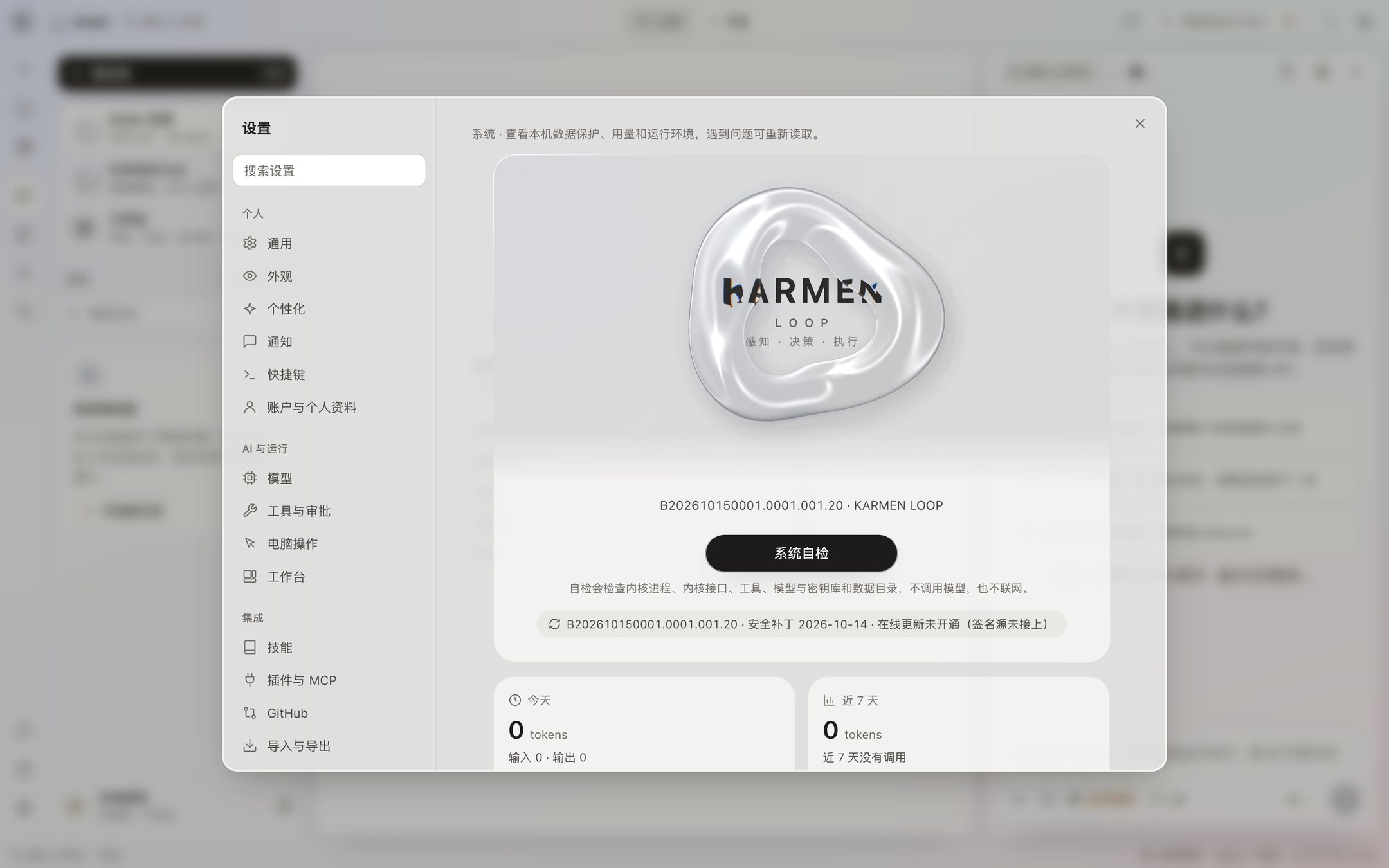
Current security patch level: 2026-10-14
For Koder 0.4.53. Included with the installer. No security patch has been published online yet.
- Applies to
- 0.4.53
- Patch level
- 2026-10-14
- Latest online patch
- None yet
Security patches
This address stays the same. The latest security patch is always published here.
1 / 2
For Koder 0.4.53. Included with the installer. No security patch has been published online yet.
The Koder 0.4.53 installer does not include an update address, so it does not check the network for patches. Download a new version from Updates.
A version that has an update address written into it checks this site once at launch and then every 6 hours. When it finds a new patch for the current version, Settings › System › Software Update shows the patch level, the size, and the notes.
Planned: download and install a new security patch on its own, without a click. Right now you click Install security patch.
| Patch level | Applies to | How it was published |
|---|---|---|
| 2026-10-14 | 0.4.54 | Included with the installer |
| 2026-10-14 | 0.4.53 | Included with the installer |
| 2026-10-14 | 0.4.49 | Included with the installer |
| 2026-10-14 | 0.4.48 | Included with the installer |
| 2026-10-14 | 0.4.47 | Included with the installer |
| 2026-10-14 | 0.4.46 | Included with the installer |
| 2026-10-14 | 0.4.45 | Included with the installer |
| 2026-10-14 | 0.4.42 | Included with the installer |
| 2026-10-14 | 0.4.35 | Included with the installer |
| 2026-10-14 | 0.4.25 | Included with the installer |
| 2026-10-14 | 0.4.24 | Included with the installer |
| 2026-10-14 | 0.4.23 | Included with the installer |
| 2026-10-14 | 0.4.22 | Included with the installer |
| 2026-10-14 | 0.4.21 | Included with the installer |
| 2026-10-14 | 0.4.20 | Included with the installer |
| 2026-10-14 | 0.4.19 | Included with the installer |
| 2026-10-14 | 0.4.6 | Included with the installer |
| 2026-10-14 | 0.4.5 | Included with the installer |
| 2026-10-12 | 0.4.3 | Included with the installer |
| 2026-10-12 | 0.4.2 | Included with the installer |
| 2026-10-12 | 0.4.1-beta.NC | Included with the installer |
| 2026-10-12 | 0.3.20 | Included with the installer |
| 2026-10-12 | 0.3.19 | Included with the installer |
| 2026-10-12 | 0.3.18 | Included with the installer |
| 2026-10-12 | 0.3.17 | Included with the installer |
| 2026-10-11 | 0.3.11 | Included with the installer |
How to report a security issue is in Security.
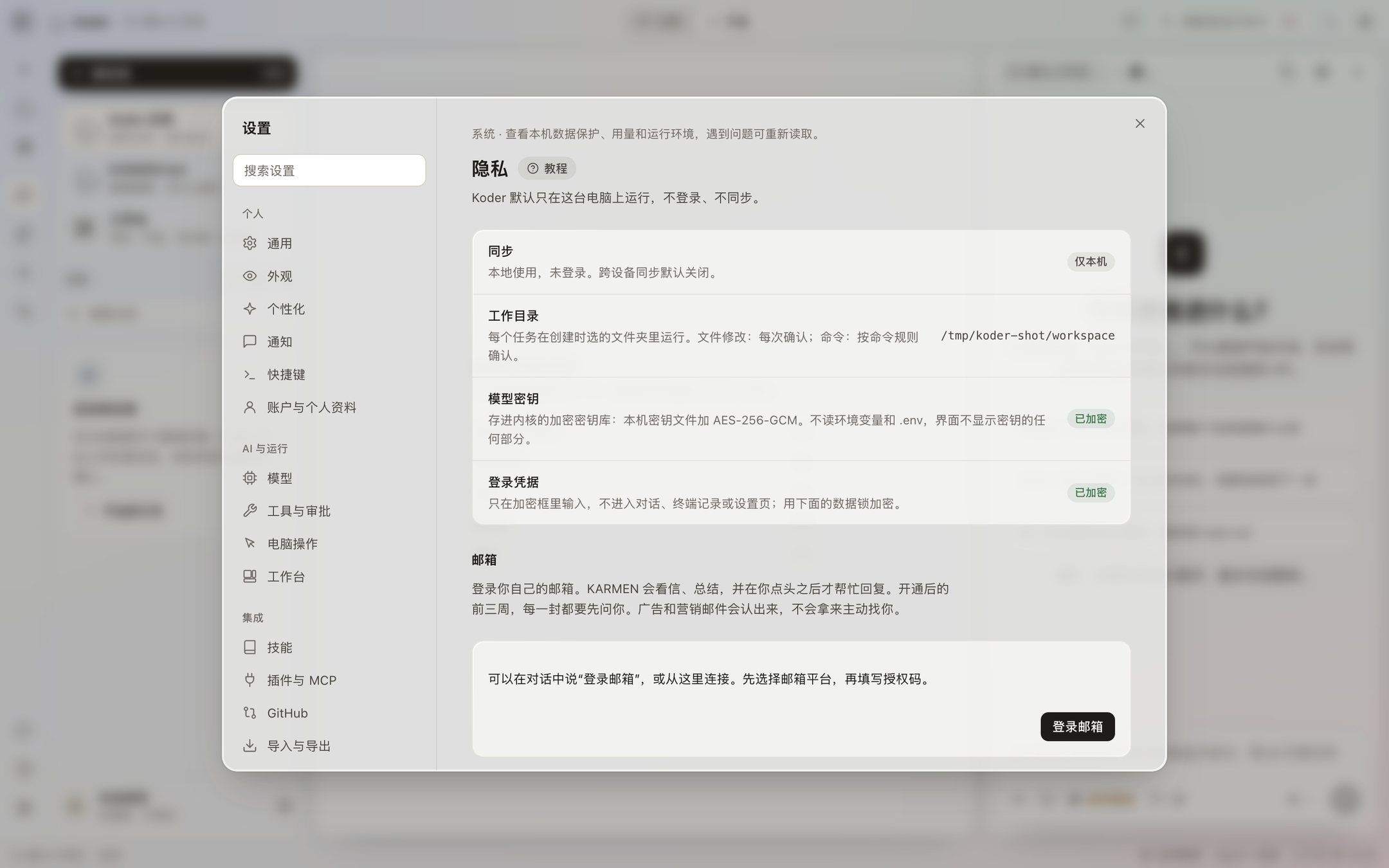
The security patch level under Settings → System is the date that was baked in when this package was built. There is no separate online patch channel right now, and Check for updates does not quietly replace the package. Send a security issue privately to info@karmenloop.com.
You can download a diagnostic log on this computer. Export strips things like keys, and the log is kept for 14 days. It is not uploaded on its own. It leaves this computer only if you send it to someone.