Use
Plugins
Plugins, skills, and GitHub are connected in Koder’s settings. Koder works if you connect none of them.
1 / 2
Plugins and MCP
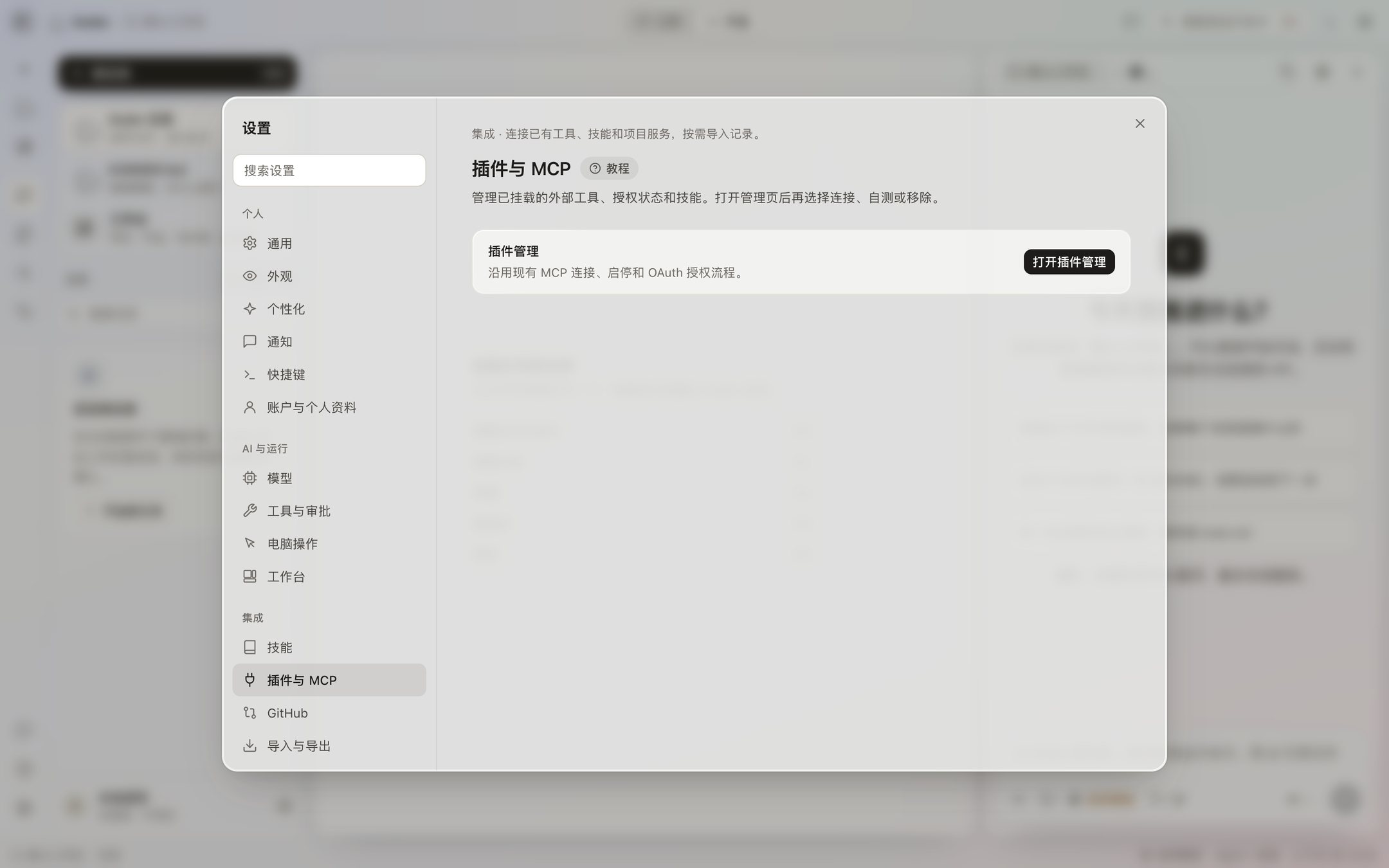
Settings → Plugins and MCP → Open plugin management. You can install, authorize, test, and turn one off. A service that supports OAuth opens that service’s authorization page, and you pick the permissions there. After it connects, run a test. If a connection fails, you can retry or disconnect. Disconnecting here does not revoke the authorization on their site.
Skills
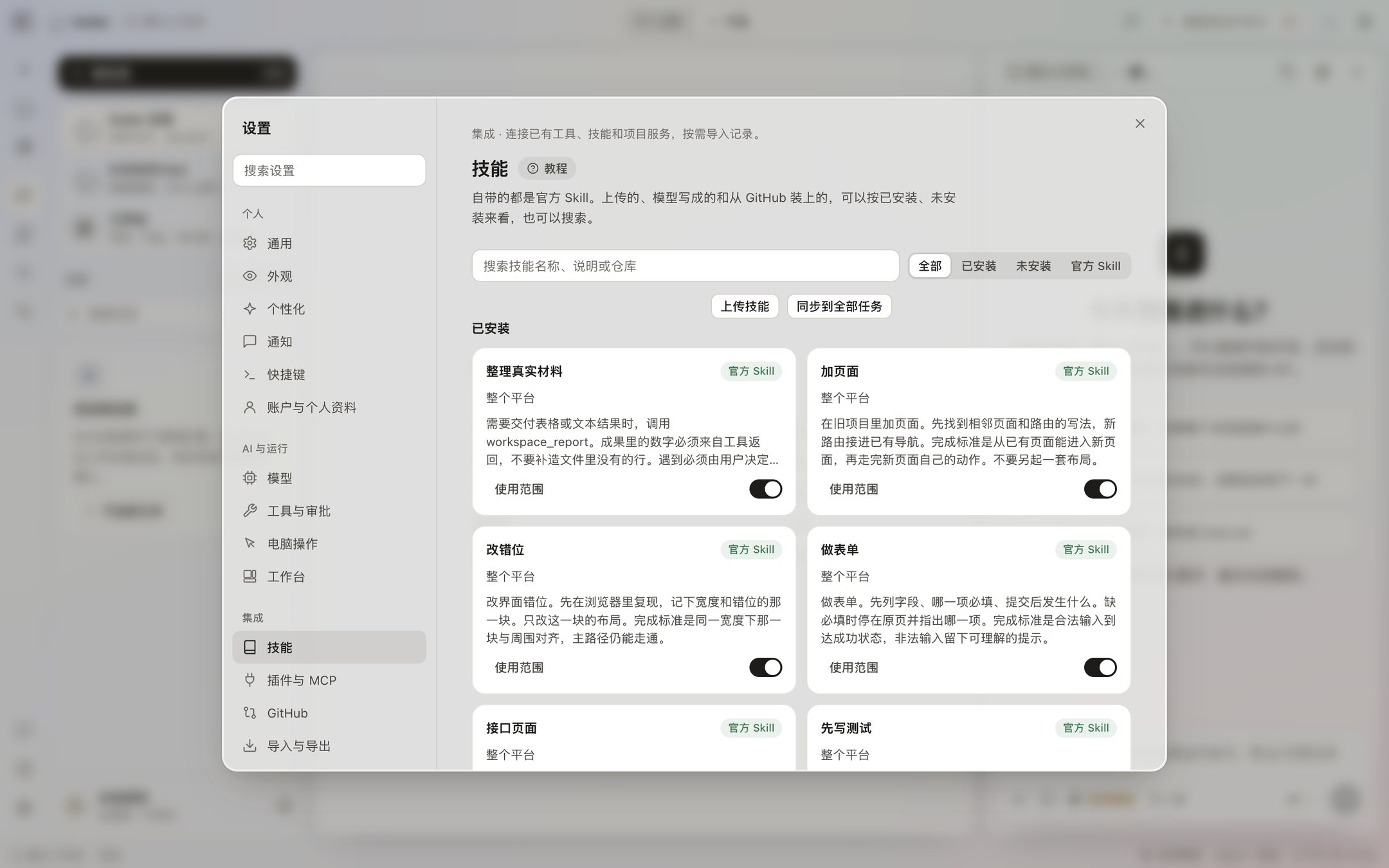
A skill is a standing instruction for the AI, such as how you want writing or code to look. A skill you turn on is used in every task. In the row under the input, favorites come first. After an external tool is attached, the AI asks you before it uses the tool.
GitHub
You can search public projects directly. To connect your own, paste an access token in Settings. The token stays on this computer. Do not write it into a chat. If browser sign-in is not set up, that button stays unavailable. When you are done, disconnect on the same page.
Import does not bring the authorization back
Settings → Import and export can scan chat history this computer can read, and you import after you select it. You can also import or export a chat bundle. A scan is not an import. Imported history does not restore sign-in for an external tool. Plugins have to be connected again.
Where the switches are is in Settings.
The buttons on the plugins page
Settings → Plugins and MCP opens plugin management: install, authorize, test, and turn off. A service that needs an account on their side opens their authorization page. Disconnecting in Koder does not revoke the authorization on their site. Tasks and the workbench still work if you install no plugins.
The skills page decides which skills apply to every task. Favorites show up under the input, first in the row. Before an external tool is called, it asks you. The GitHub switch does not sign you in. The token is managed in GitHub settings.
Built-in autonomous learning method
CLI 0.4.0-preview.22 includes personal-agent-growth 0.3.2. Read it offline with koder growth show, inspect koder growth status, or use koder growth off / on for the next session. Task tools, approval and scheduling still depend on the host. This method does not train ESVORIQ or enable background model requests. Usage and boundaries.