Use
Resources
Install, settings, releases, security, and the API are all on these pages. There is no separate manual to download.
1 / 3
By what you are trying to do
First install
The invite code, Apple silicon, the 64-bit installer, connecting a model, and the first change.
Change one setting
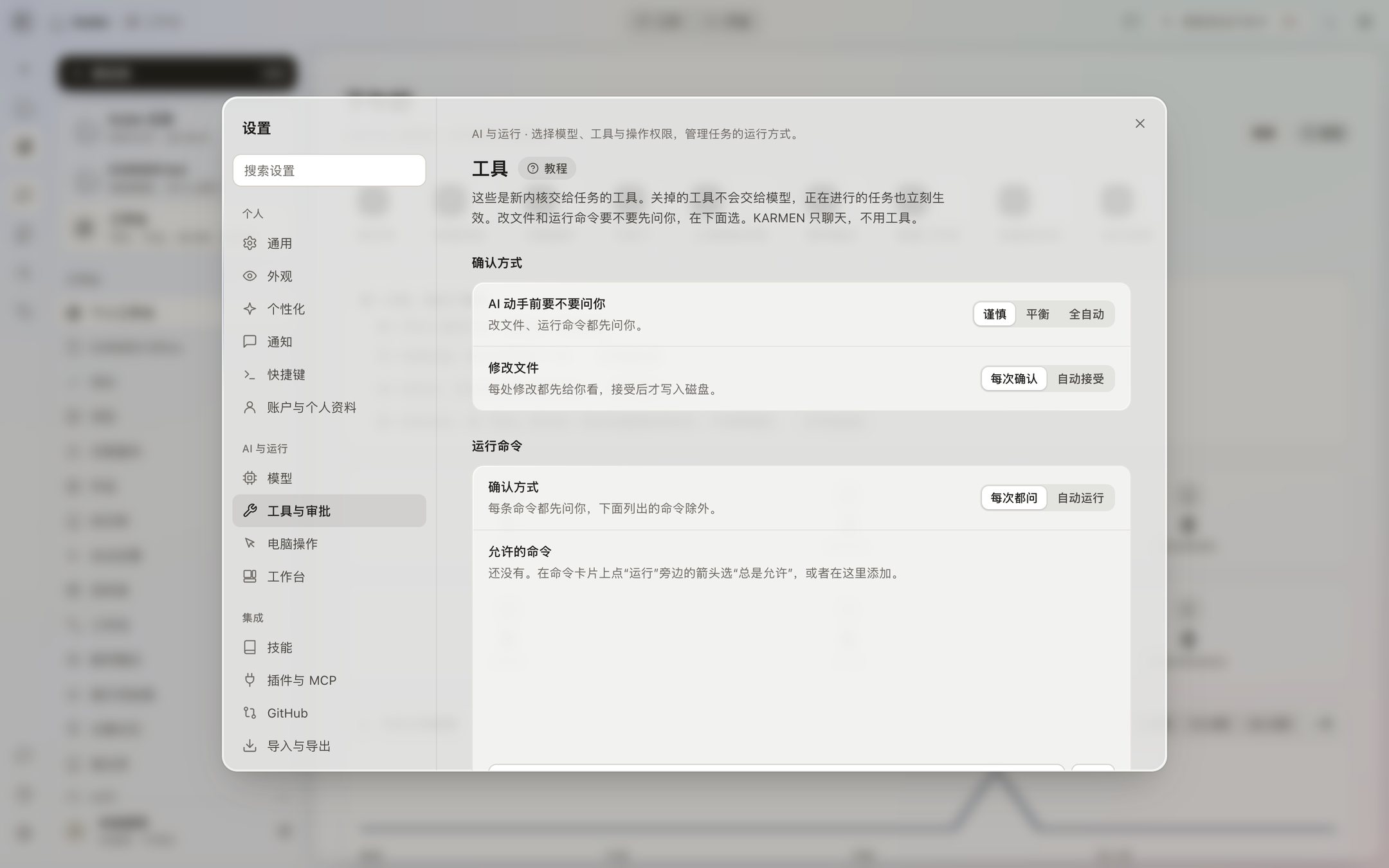
From General, Appearance, Models, and Tools and approvals, through plugins, privacy, and System.
See the window
Tasks, the workbench, and Settings, arranged the way they are in the app.
Check the installer
The file name, the byte count, the SHA-256, and the fact that it is not code-signed.
See the version
What you can download, what is not offered, and what Check for updates returns.
See the patch level
The current level is written here. No security patch has been published online yet.
Connect a model
Connect an available provider or local service today. ESVORIQ 1.0 is in training.
Work with other people
This is being finished and will open soon. Right now it stays on this computer.
Connect your own software
The public API, the application fields, and a reference that still cannot be exchanged for a token.
Terms and policies
The agreement, the privacy notice, the security notice, and the open-source notice.
Not sure which page
Help sorts the pages above by the problem you have.
The pages, and the matching place in the app
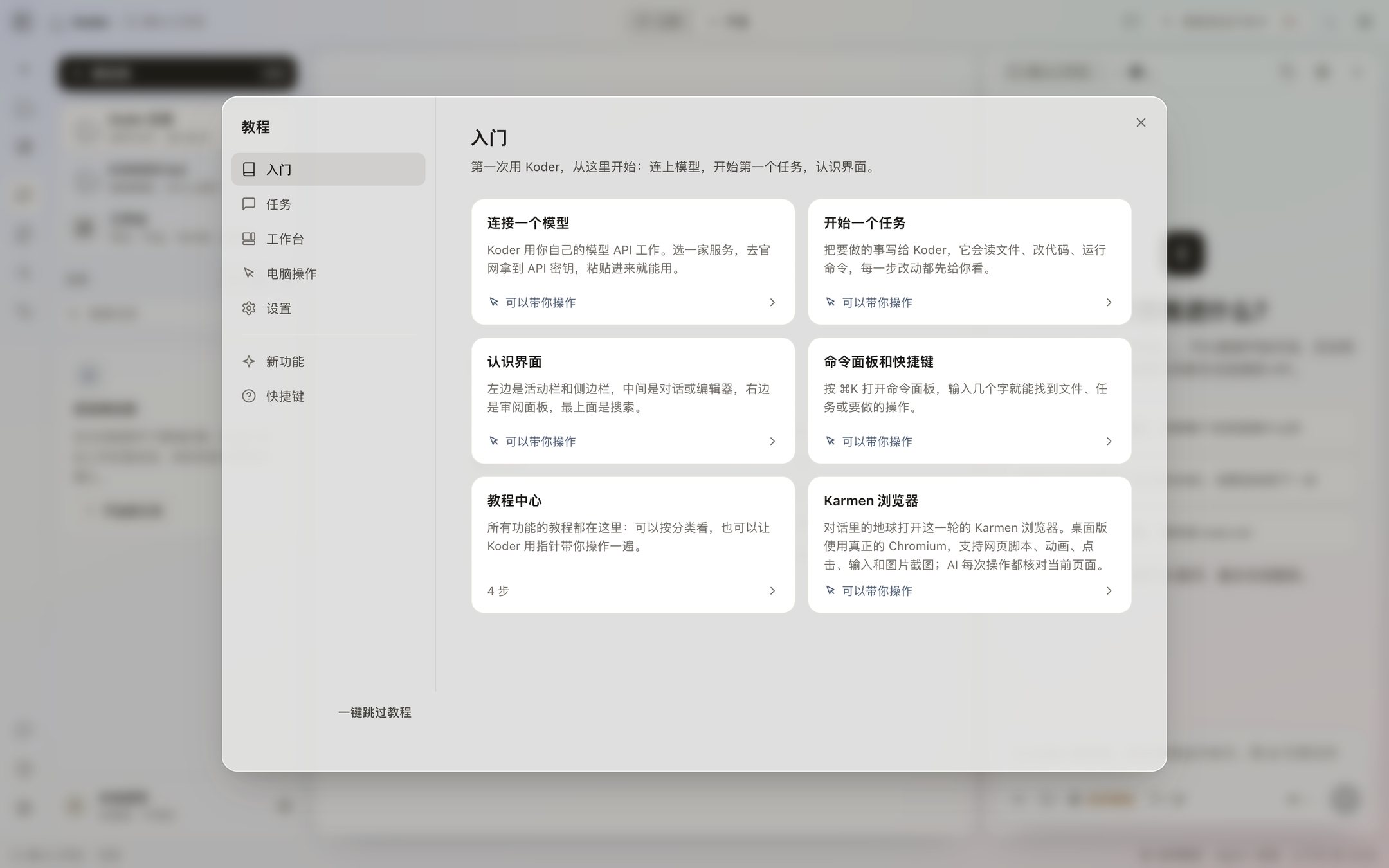
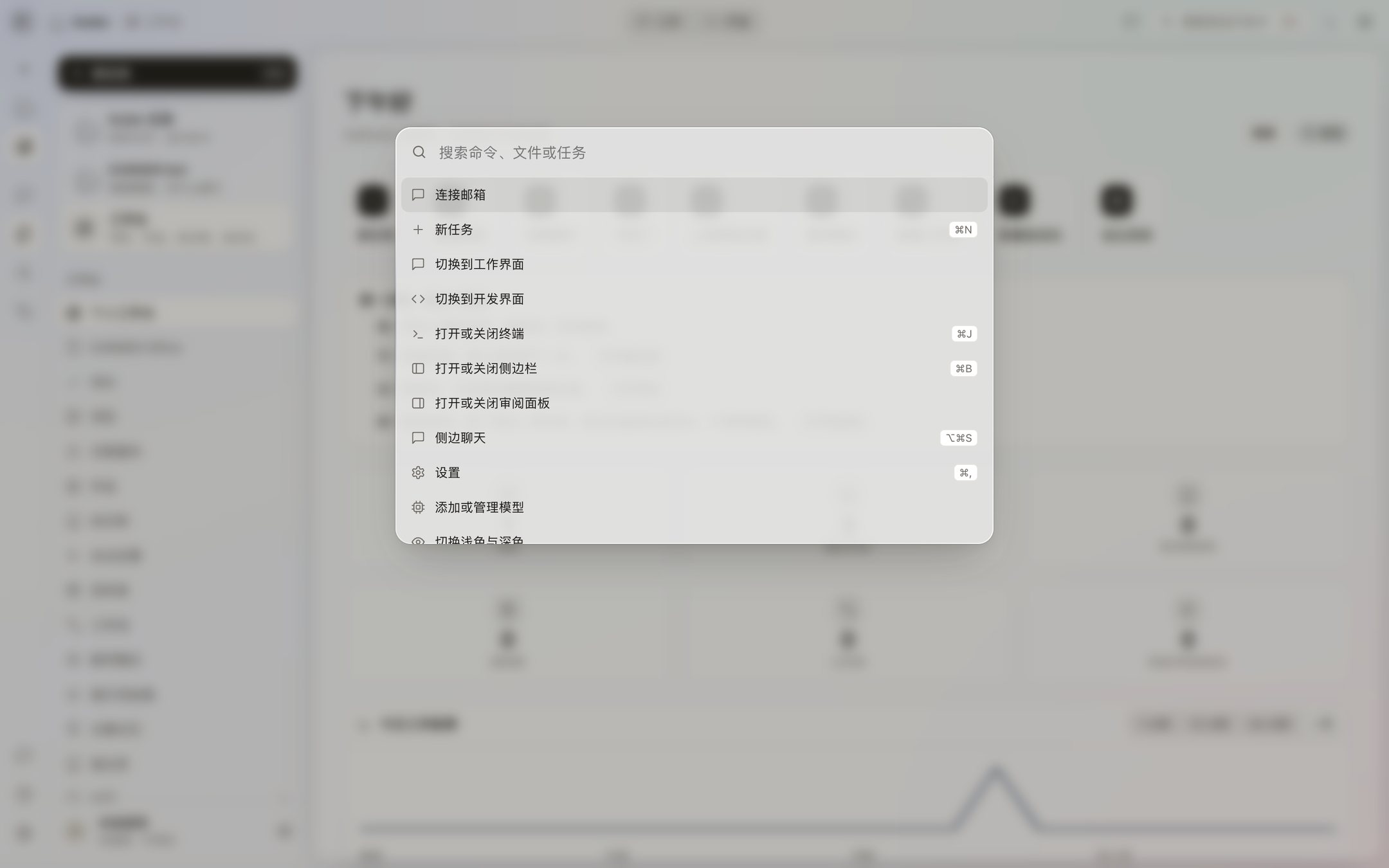
The tutorial page matches the tutorial center. The settings page matches the four groups in Settings. The download page matches the version under Settings → System. The models page matches Settings → Models and the strength menu beside the input. The security pages match Tools and approvals, Computer use, and Privacy and data.
Search in the app for “notifications,” “MCP,” or “import” and you land on the page the settings guide already describes. Esc during a pointer lesson only leaves the lesson. The tutorial page and the tutorial center say the same thing.
Current tutorials and versions
October 20, 2026: all 75 desktop topics, 30 CLI 0.4.0-preview.22 lessons, five TUI 0.1.0 steps and SDK 0.1.1 setup. CLI lessons cover license, revocation, memory and groups, device prerequisites, learning, reflection, apps/MCP, API and updates in two languages and four shells.
The complete desktop manual follows the 0.4.53 Beta tutorial center. Mac and Windows desktop 0.4.53 Beta are available. Windows testing is in progress. Match instructions to your installed version; CLI permissions and memory sharing do not establish desktop availability.
ESVORIQ model information
Read the ESVORIQ 1.0 overview for development priorities, version updates and availability.