Read the description
GET /api/public/v1
Returns the list of endpoints, and which ones are open.
Developers
Other software can call Koder’s public API and apply for one-click sign-in or an SDK. Below is what you can call today, how to apply, and the order to follow.
1 / 2
The base URL is https://karmenloop.com. The machine-readable description is at /api/public/v1.
GET /api/public/v1
Returns the list of endpoints, and which ones are open.
POST /api/public/v1/applications
Apply for one-click sign-in or an SDK. A successful request returns a reference right away, with the status Received.
GET /api/public/v1/oauth/authorize
POST /api/public/v1/oauth/token
You can call both addresses. Both return Not open. A reference cannot be exchanged for a token.
Do it in this order. Until the review has passed, do not show people who use your software a sign-in button that looks like it will succeed.
curl -X POST https://karmenloop.com/api/public/v1/applications \
  -H 'content-type: application/json' \
-d '{"productName":"Example app","site":"https://example.com","contact":"dev@example.com","kind":"one-click-login","redirectUris":["https://example.com/callback"],"summary":"One-click sign-in for people who use the app"}'To call Koder on this computer from your own program, use Koder SDK 0.1.1. The application below is for the public API, not that repository. Change kind to sdk, and say which public calls it will make. An SDK application does not need a callback address.
curl -X POST https://karmenloop.com/api/public/v1/applications \
  -H 'content-type: application/json' \
-d '{"productName":"Example SDK","site":"https://example.com","contact":"dev@example.com","kind":"sdk","summary":"Call Koder’s public API from our own software"}'The form sends the same fields as the endpoint above. After you submit, the page shows the reference.
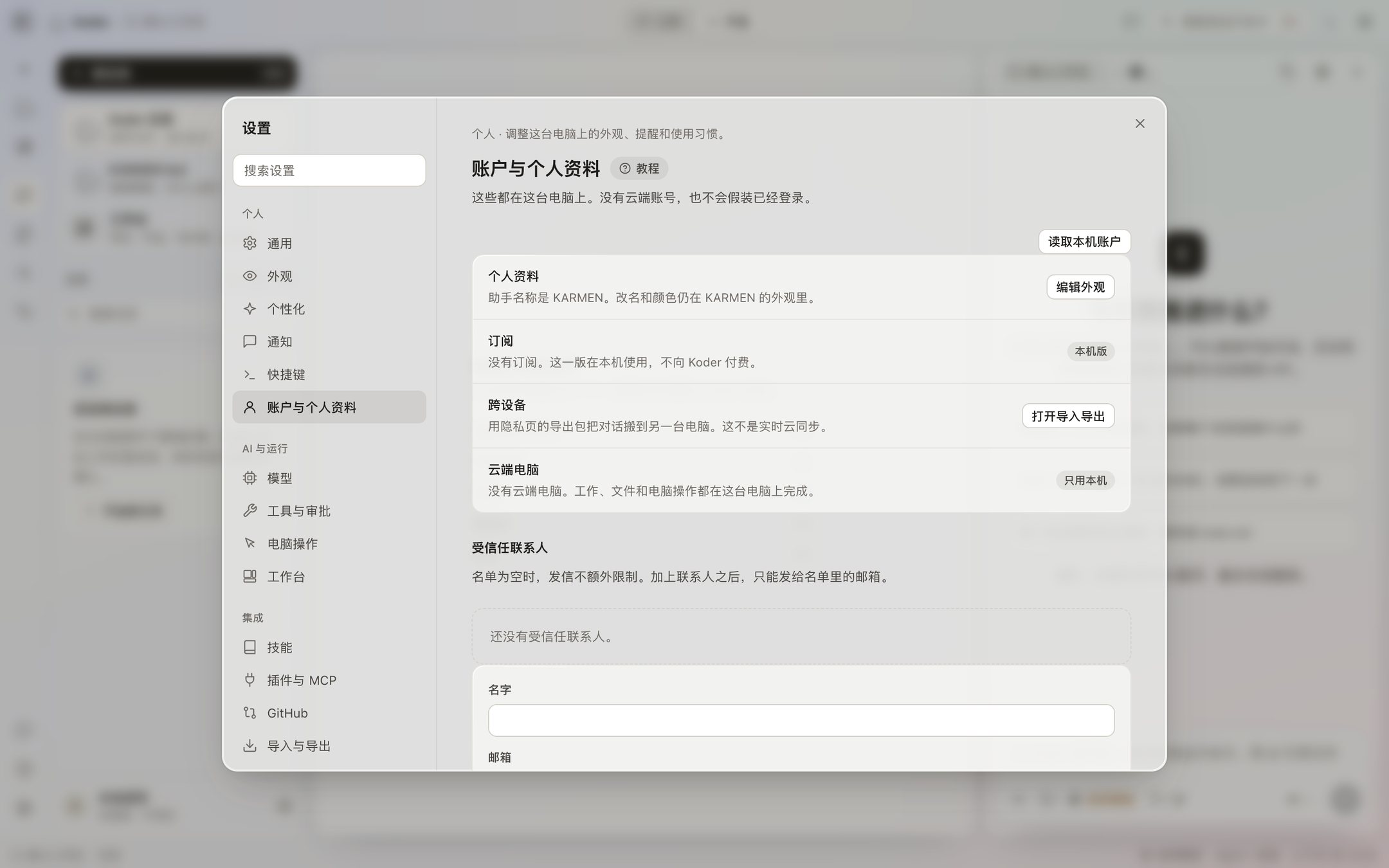
There is no public-API console inside the Koder window. Settings → Account and profile says there is no cloud account. The bottom of the sidebar says local use, not signed in, not syncing. What a third party connects to is the public API on this site: read the description, and submit a one-click sign-in or SDK application. An application returns a reference that starts with app_ right away, with the status Received.
The reference is only a receipt. It is not stored as a record you can look up later, and it cannot be exchanged for a token. The authorization address and the token address return Not open. Account sign-in is not available, so there is no user session to grant.