Security
Security
Koder runs on your computer. Tasks, chats, files, and keys stay on this computer. The pages below describe the protection that is actually in place, and the parts that are not.

1 / 2
Safeguards
File changes wait for you. Commands ask by default. The interface listens only on this computer, and keys are encrypted here.
Install safety
There is no remote install. The installer is not code-signed, and computer use is off by default.
Security and privacy
We do not receive your content. What you send to a model service is handled by the provider you chose.
Trust and transparency
Versions, checksums, and what isn’t available yet.
Security patches
The current patch level. The installer has no update address, so it does not check the network for patches.
Security notice
The same security text the app opens.
Copyright and international use
KARMENLOOP Official Team, Shanghai, China. Email info@karmenloop.com.
Separate two things as you read
- What is already in the current installer is written as something that happens now. For example, file changes wait for you, the interface listens only on this computer, and computer use is off by default.
- Send a security issue privately to info@karmenloop.com.
- The legal text is the security notice and the privacy notice. If those pages and this one disagree, the updated date on the original controls.
Start with these two cards
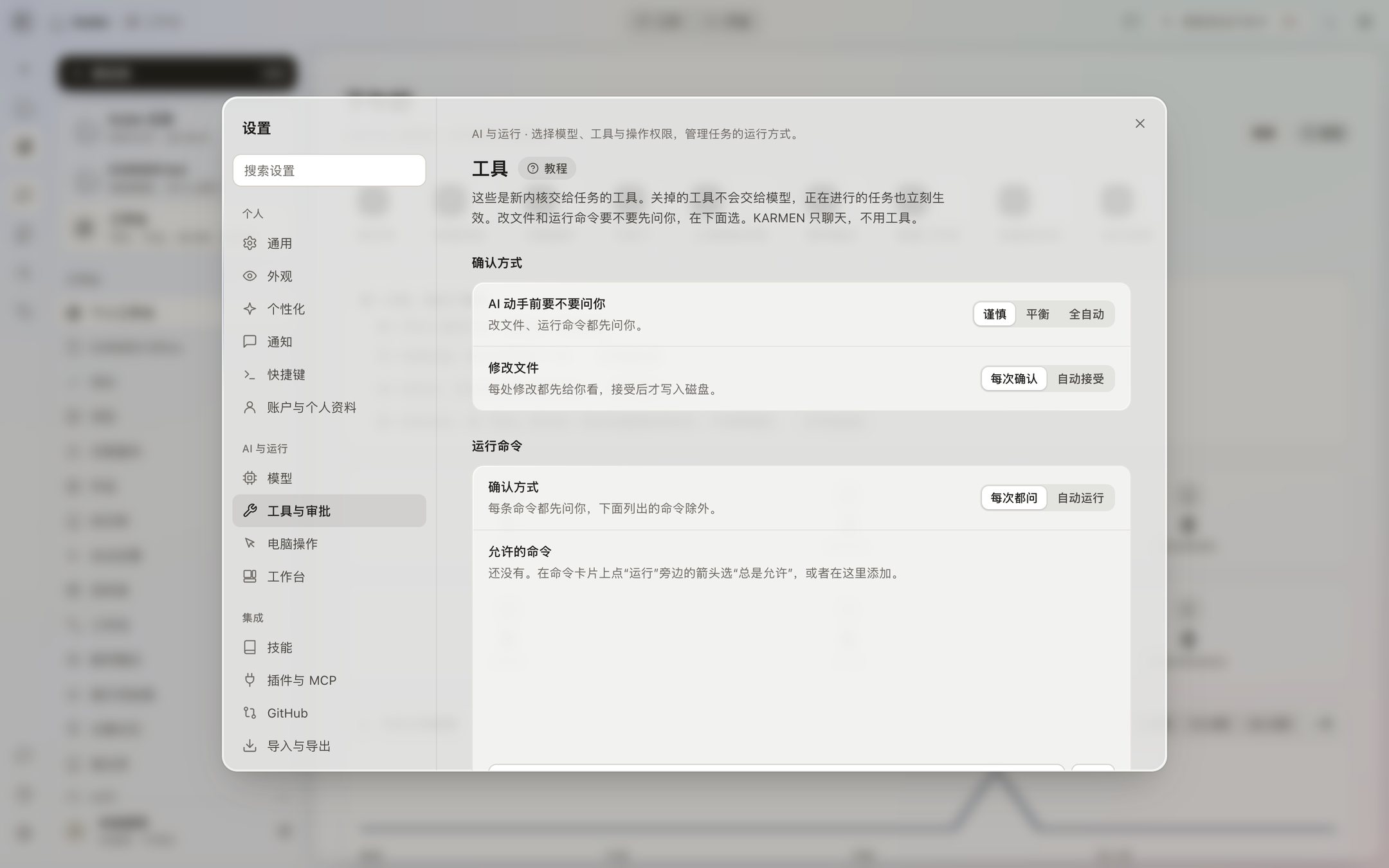
In the task window, a write is always a diff first. The buttons are Reject and Accept. In the command window, the default is Reject, Always allow, and Allow. Settings → Tools and approvals can set everyday confirmations to Careful, Balanced, or Automatic, but deletes, privilege changes, and key files still ask. After 30 minutes with no answer, it counts as a no.
Computer use is off by default. After you turn it on, every action can ask first. The screen says AI is using the computer. The emergency stop is ⌃⌥⌘. . Screenshots go only to the model you chose. The interface listens only on 127.0.0.1, and it refuses requests that come from other websites.