Model development
ESVORIQ 1.0
A model project under development by KARMENLOOP. Explore its development priorities and availability.
Explore the modelKARMEN / Koder
Mac beta · Windows beta · Invite code required
KARMENLOOP · Model development
A KARMENLOOP model project for task understanding, tool execution and continual learning. Version 1.0 is in training.
Approximately 8B total parameters · Public weights and a hosted API are not available yet
1 / 3
Koder offers an IDE, a CLI and a TUI. KARMENBOT has its own site. ESVORIQ 1.0 model development is here too.
Model development
A model project under development by KARMENLOOP. Explore its development priorities and availability.
Explore the model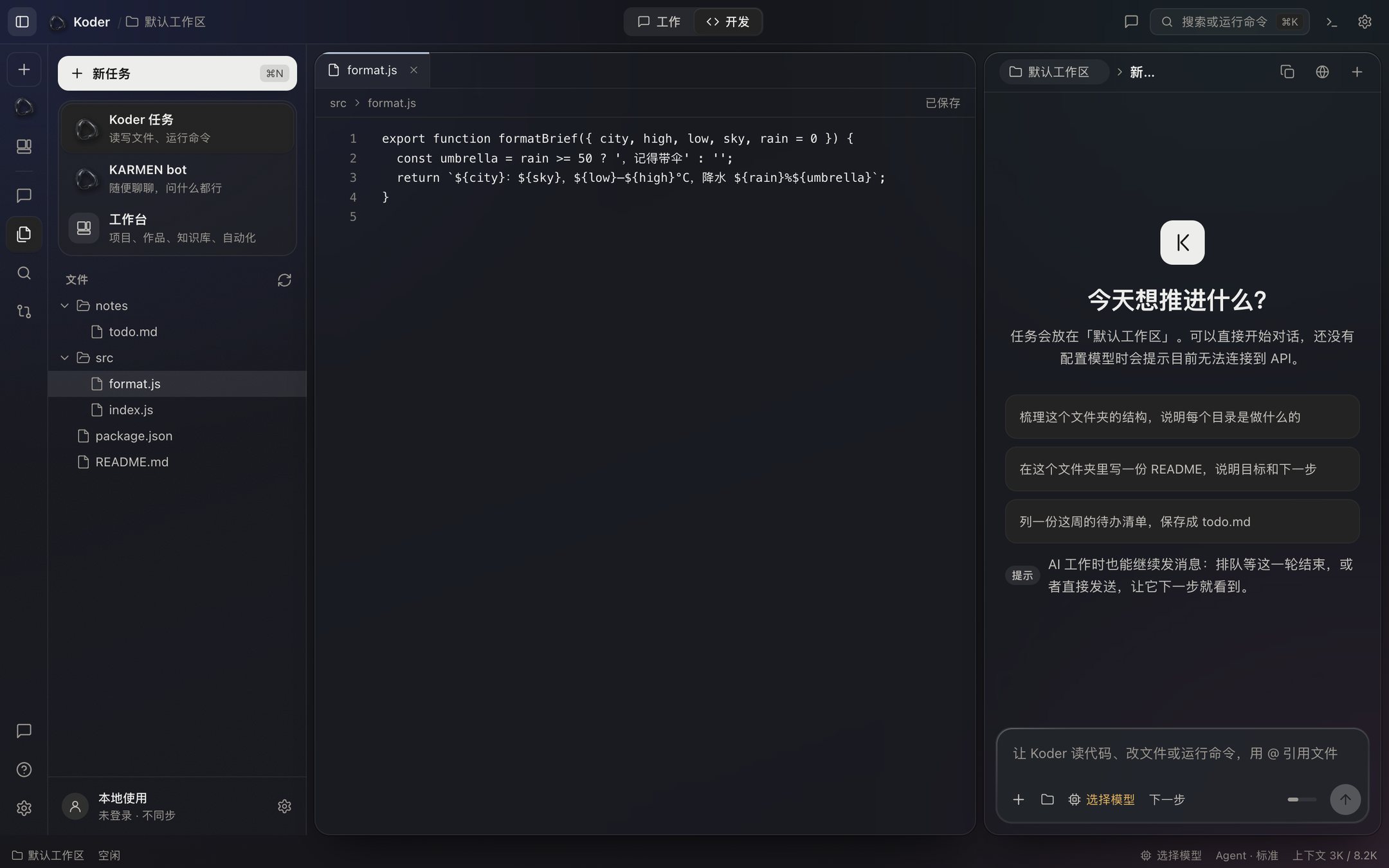
Desktop 0.4.53 · beta
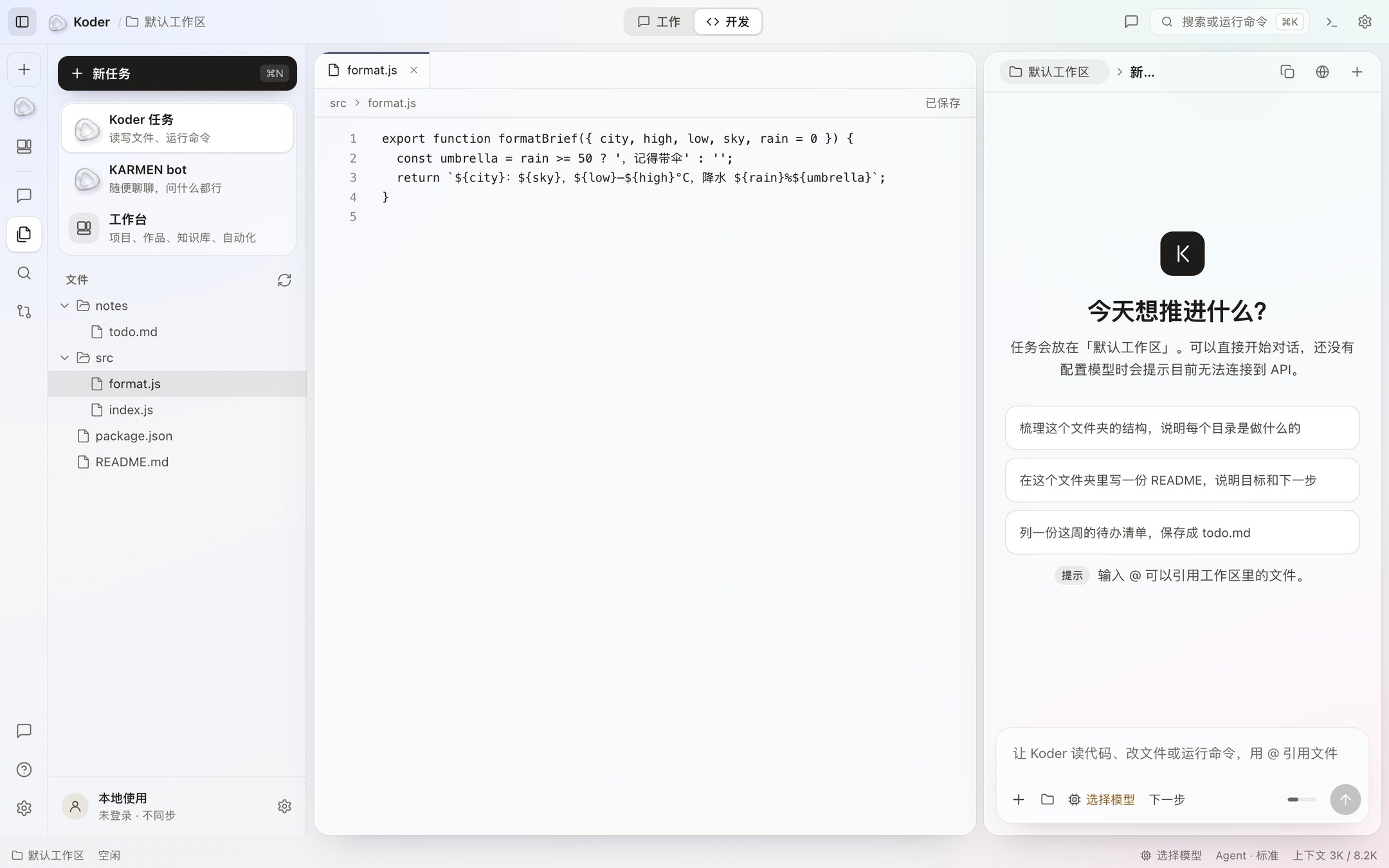
The editor, file tree, chat, and workbench. Bring your own model. It waits for you before changing a file.
See the IDE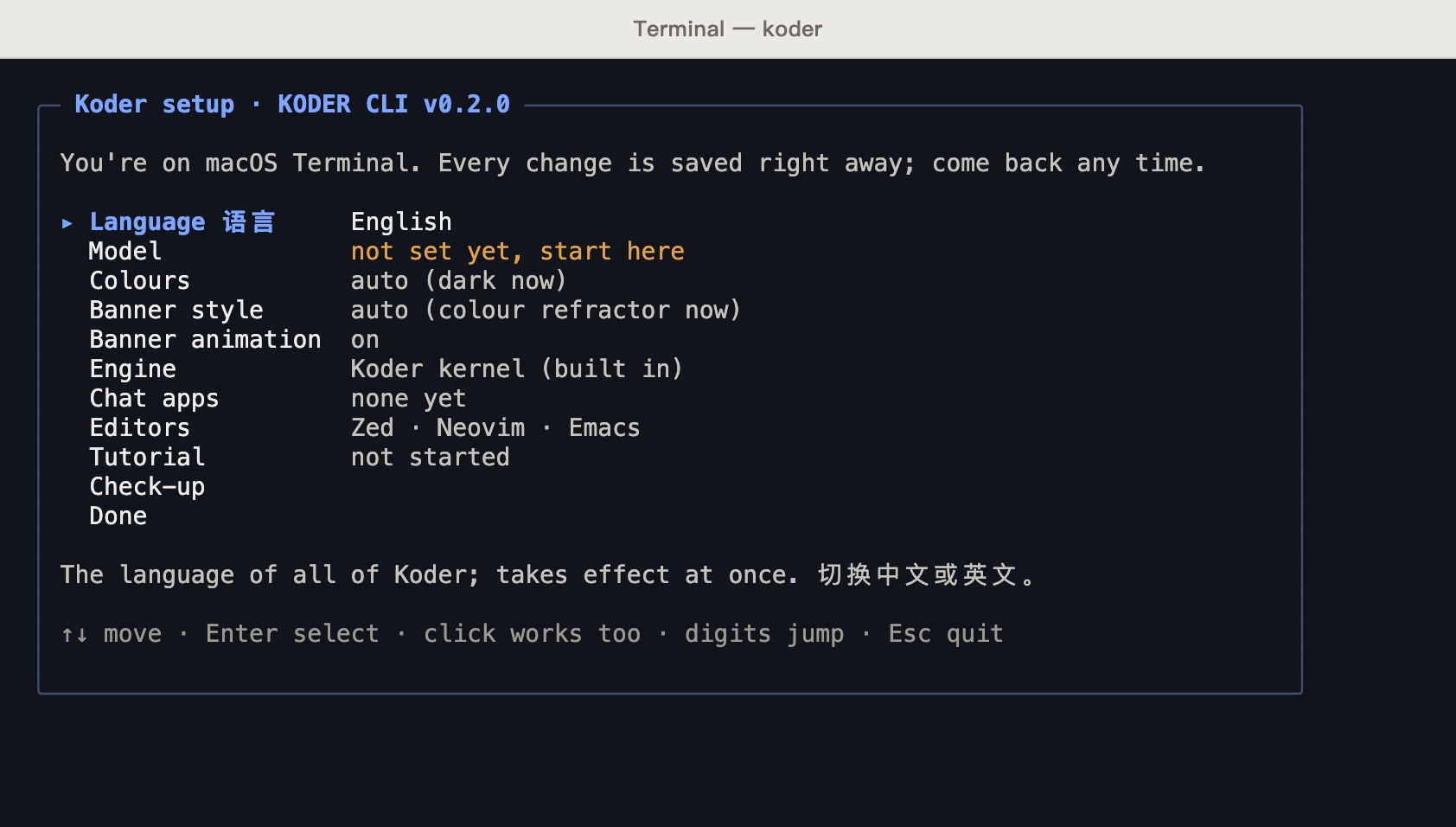
One command
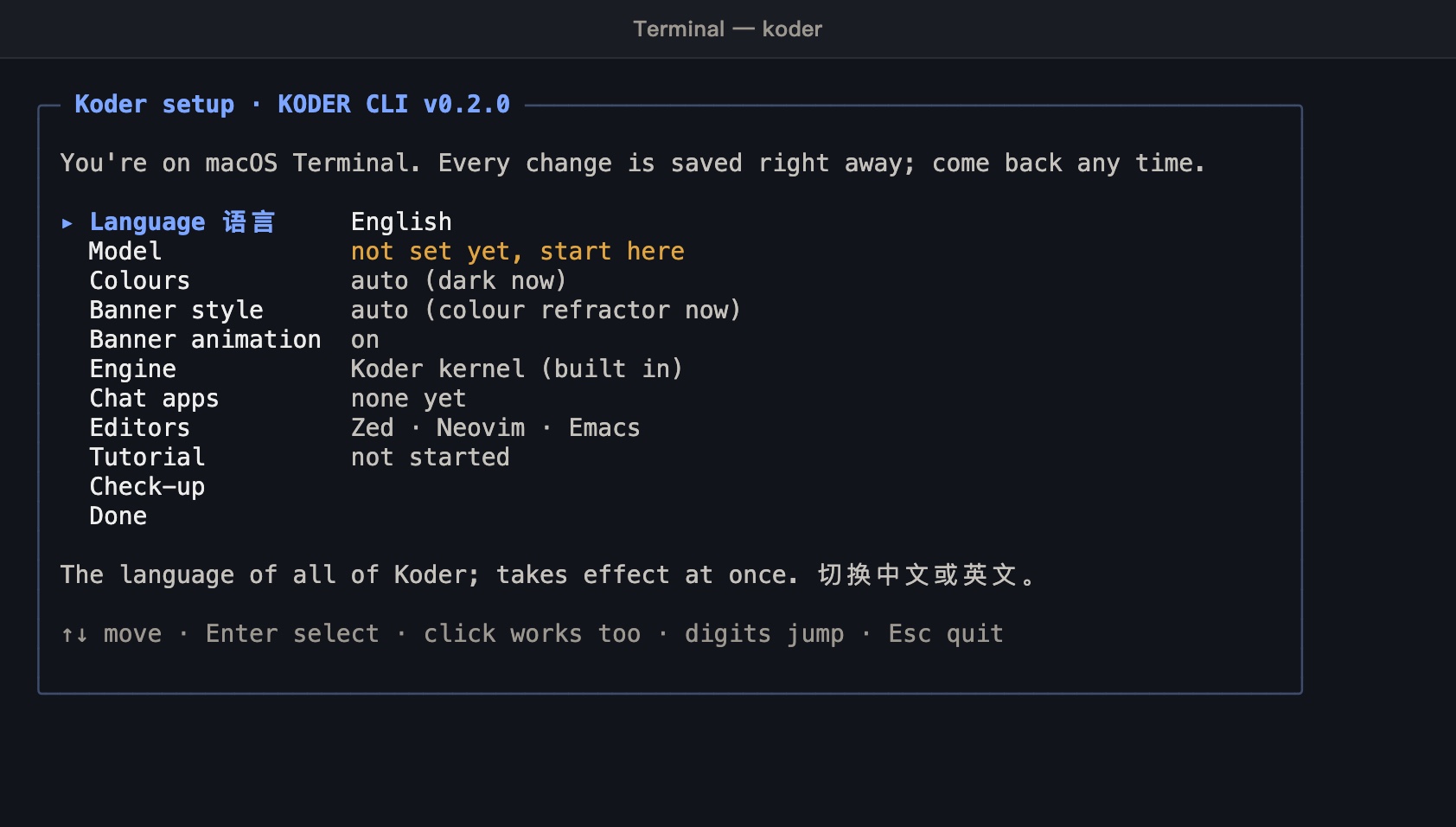
The koder command in your terminal. Give a task in one line, or use it in scripts and CI. Smart mode handles low-risk work; sensitive operations still require permission.
See the CLI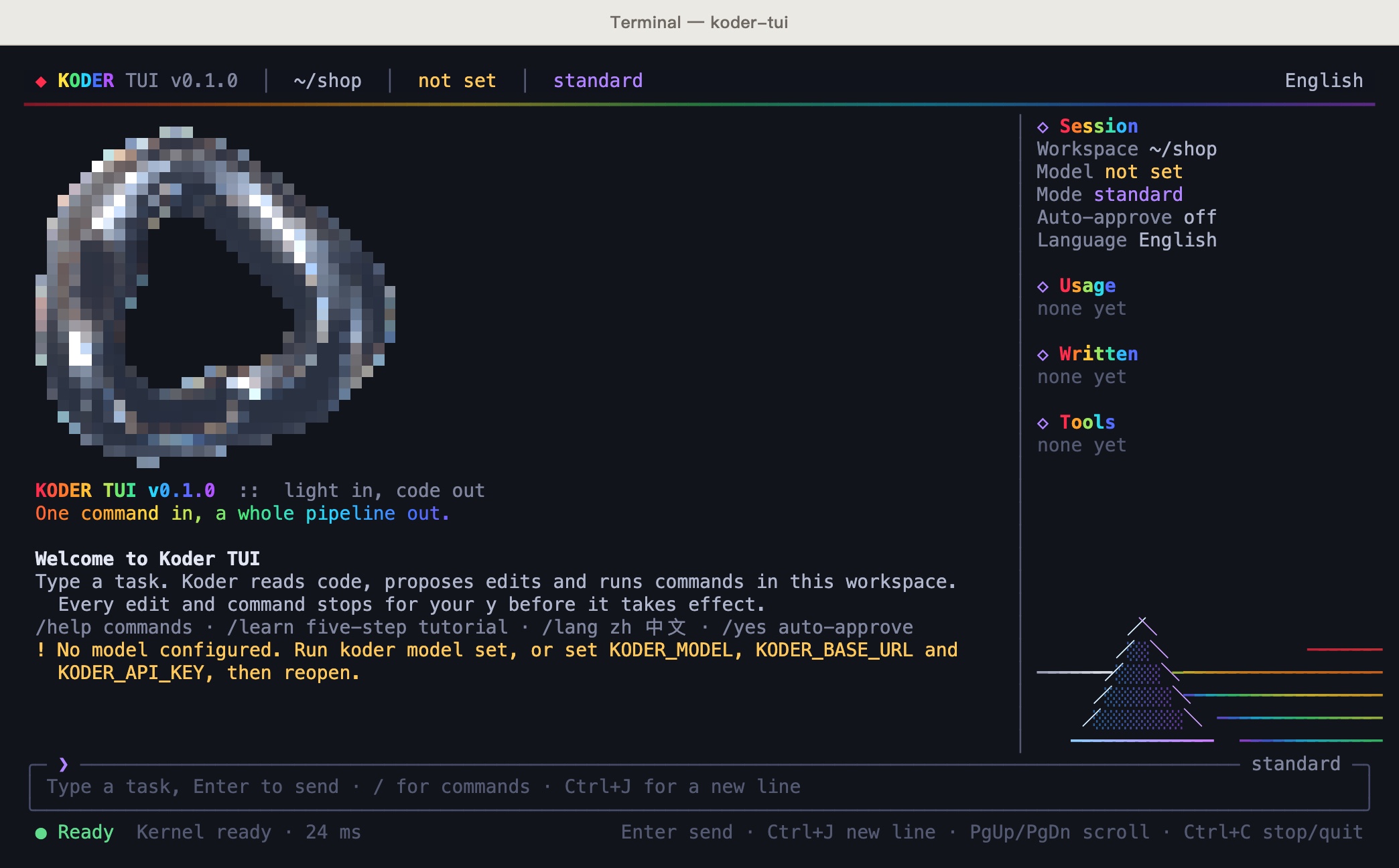
One command
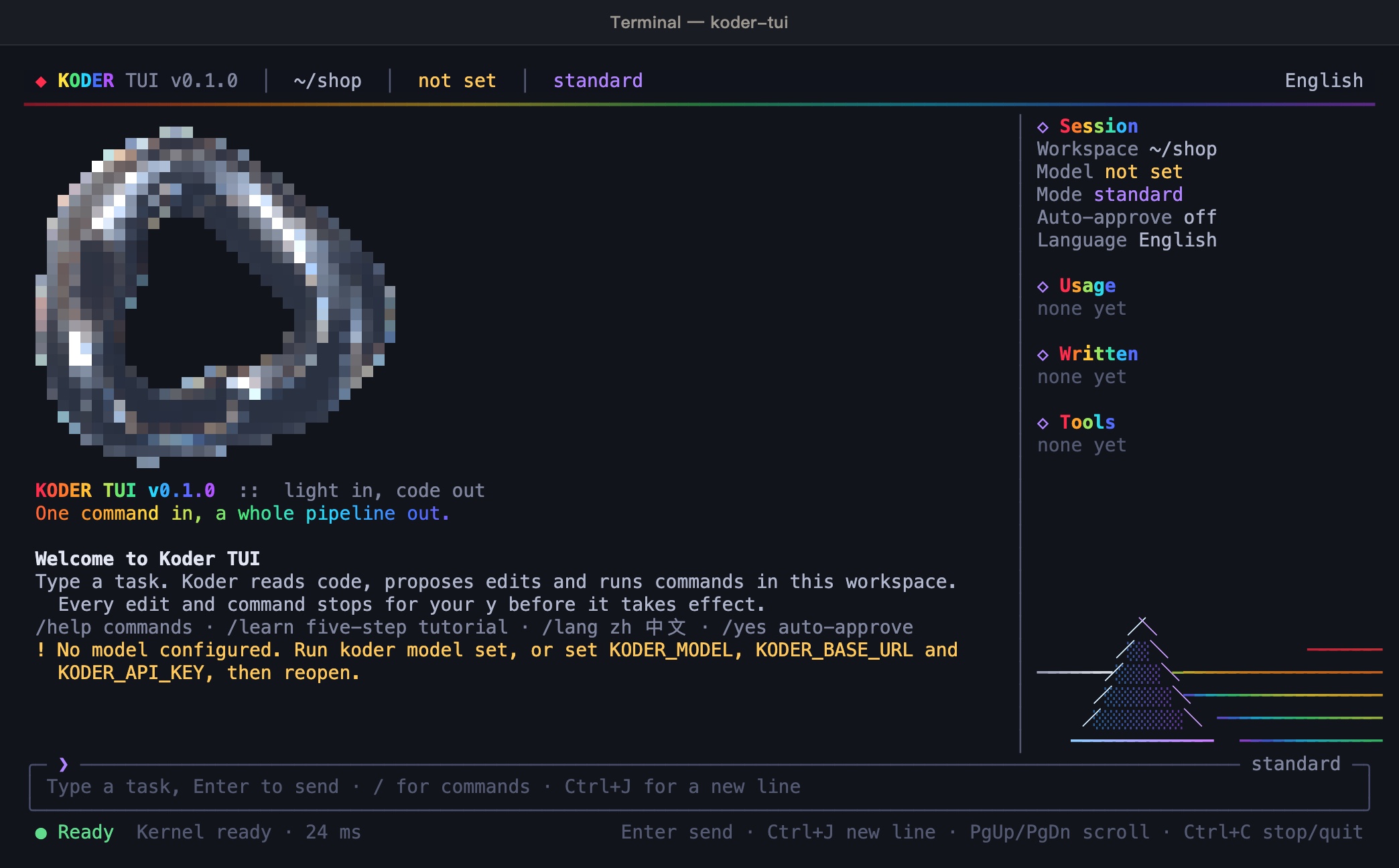
A full-screen terminal interface. A file change shows the diff first. Press y to accept, n to turn it down.
See the TUIIndependent release 0.1.1
Give it a task in your terminal, approve actions, and check results. Releases, installation and guides live on its own site.
Visit KARMENBOTAll of this is in the 0.4.53 you can download.
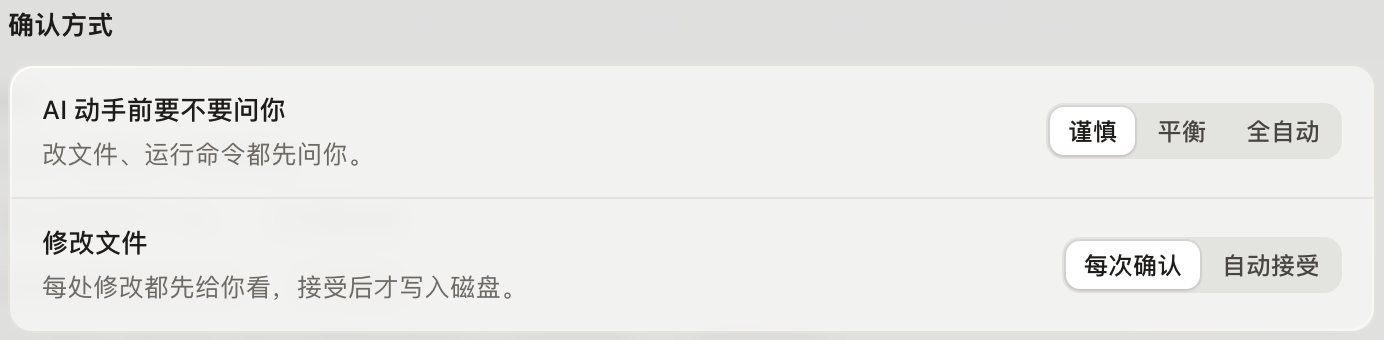

See the before and after, then decide. Commands ask every time unless you allow a specific one. Dangerous commands always ask.
Learn more

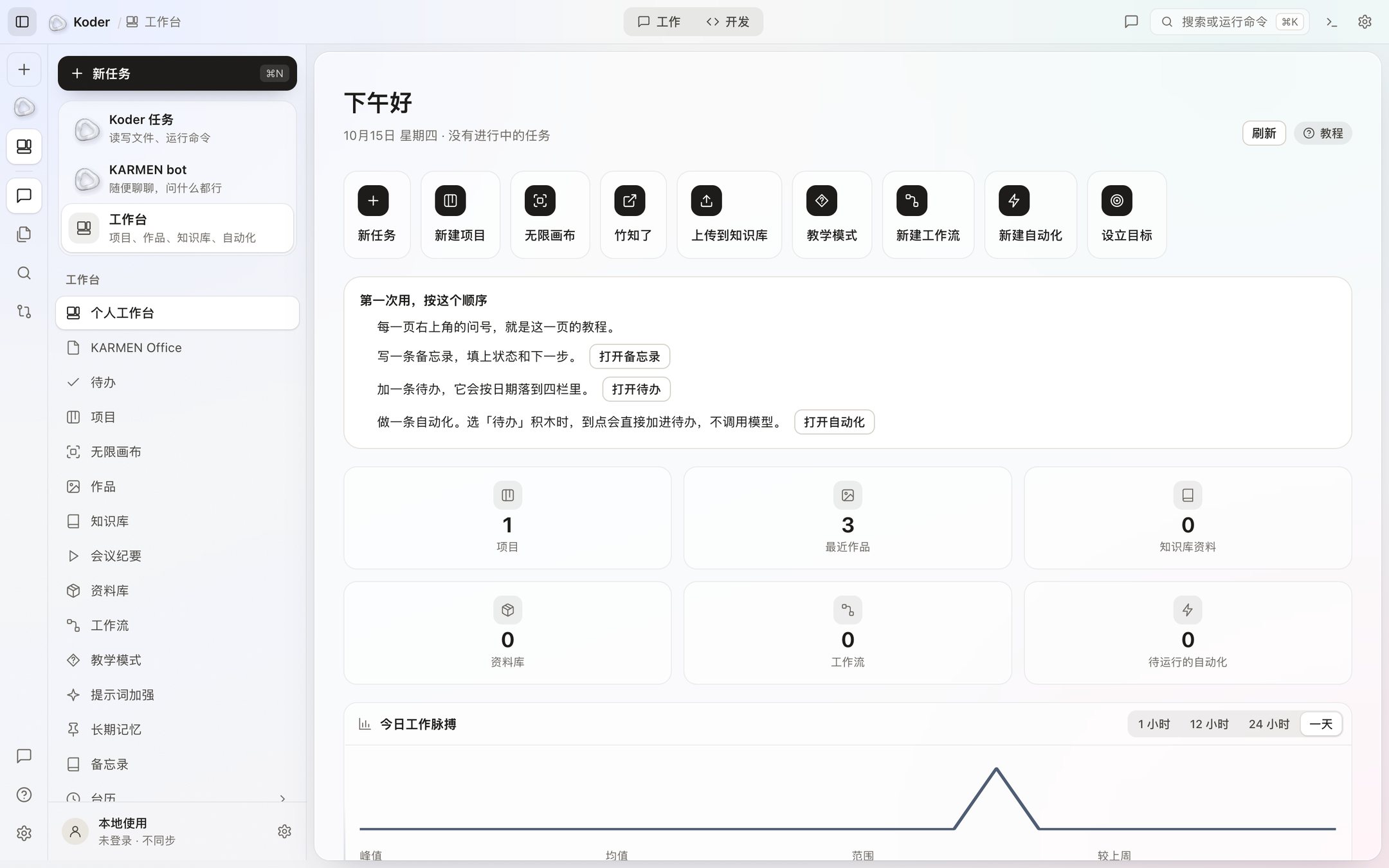
Project boards, work, a knowledge base, a library, a workflow canvas, scheduled automations, goals, and an AI lead, in one place.
Learn more

With your permission, AI can see the screen, click, and type. It is off by default, every action asks first, and ⌃⌥⌘. stops it immediately.
Learn more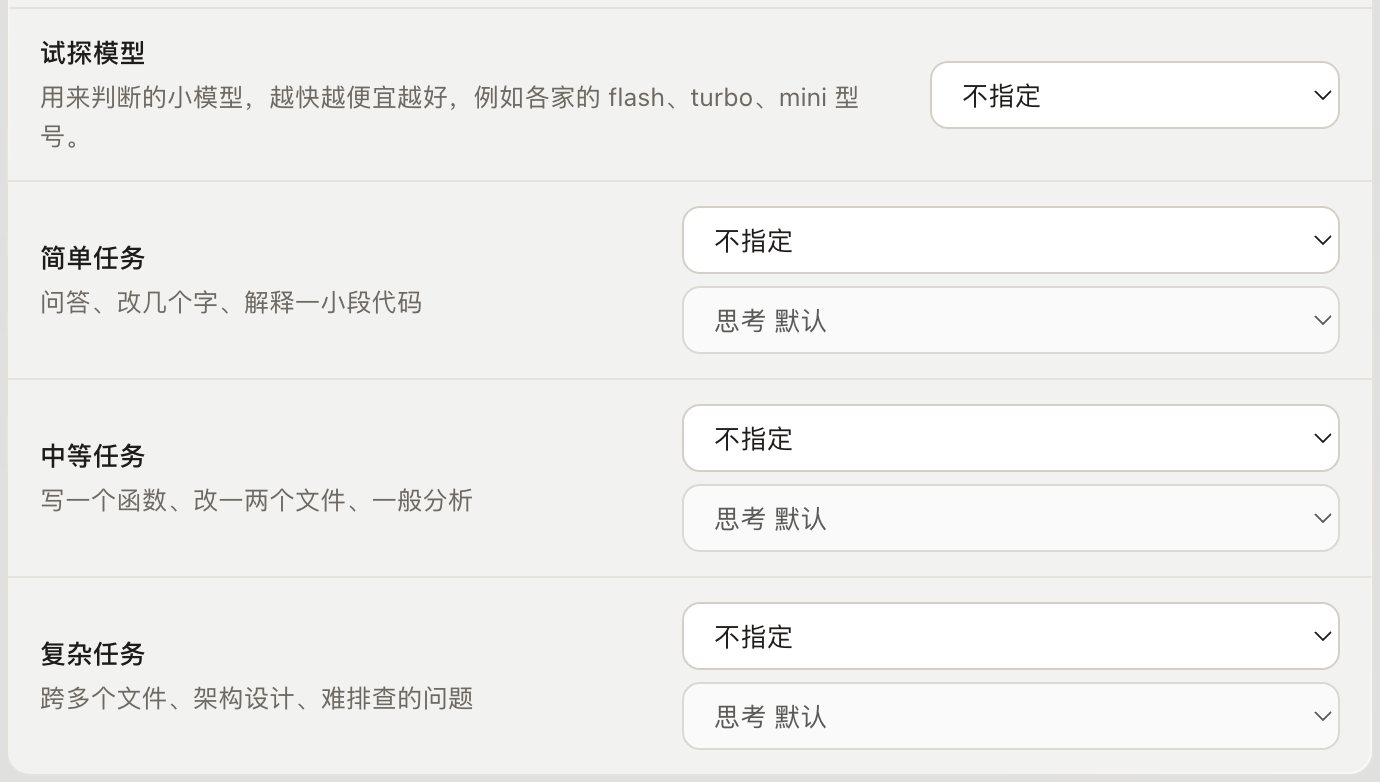
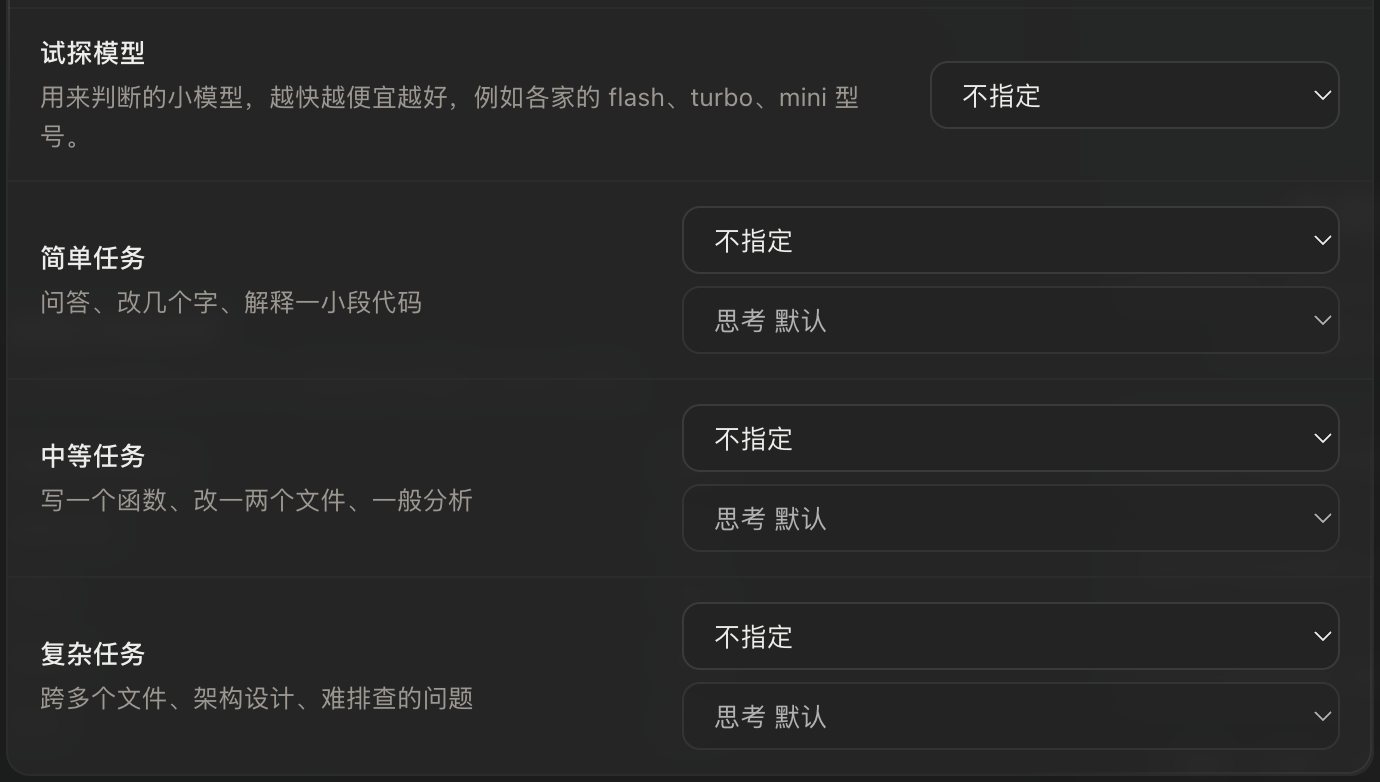
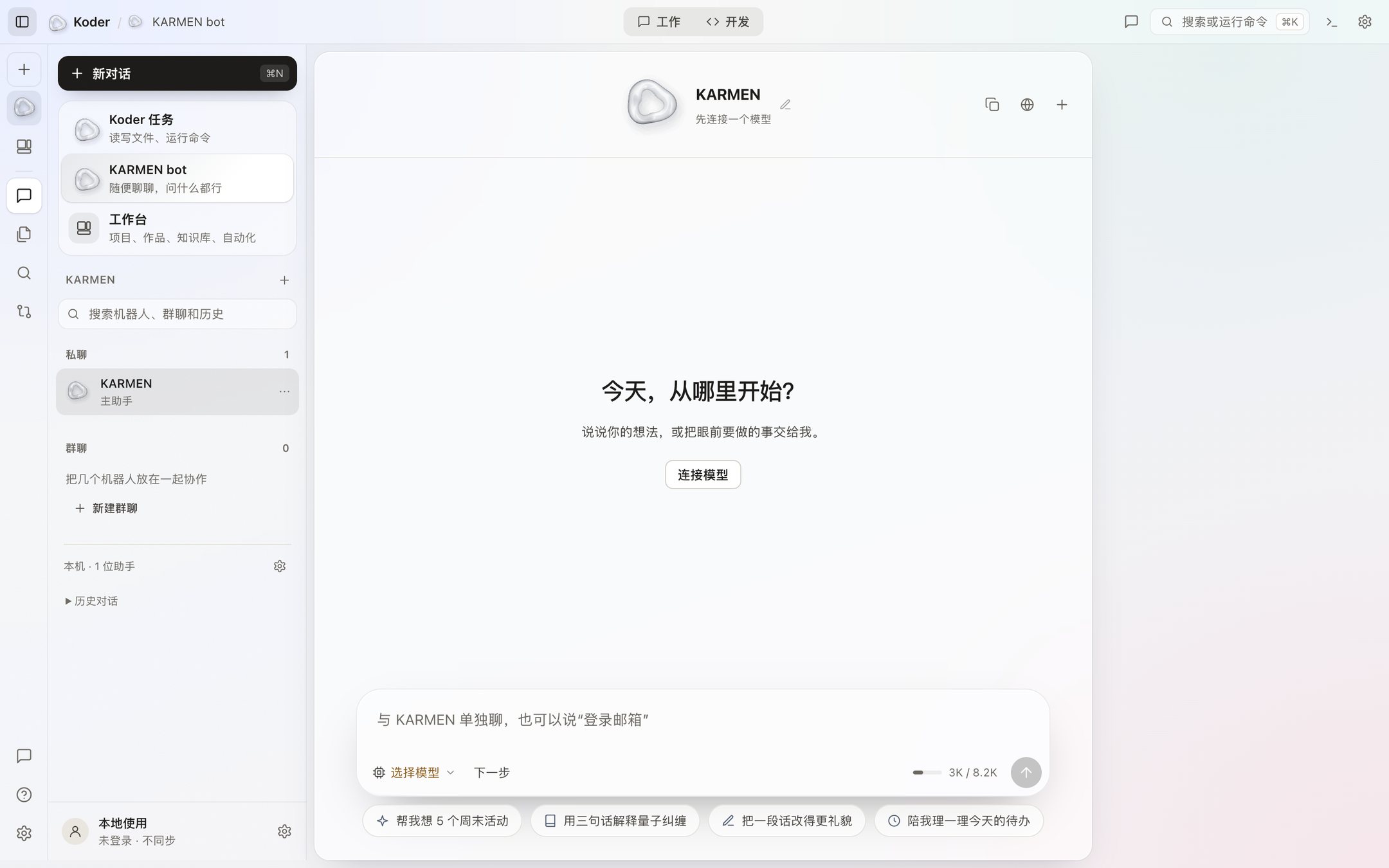
This version ships with nearly thirty presets, and you can connect a local model. ESVORIQ 1.0 is in training and is not publicly available yet. The hourglass is in Settings → Models, and it is off by default.
Learn more

Send a message while a task is running. Koder asks when it needs a decision, tells you when a task finishes, and can resume a task that was interrupted.
Learn more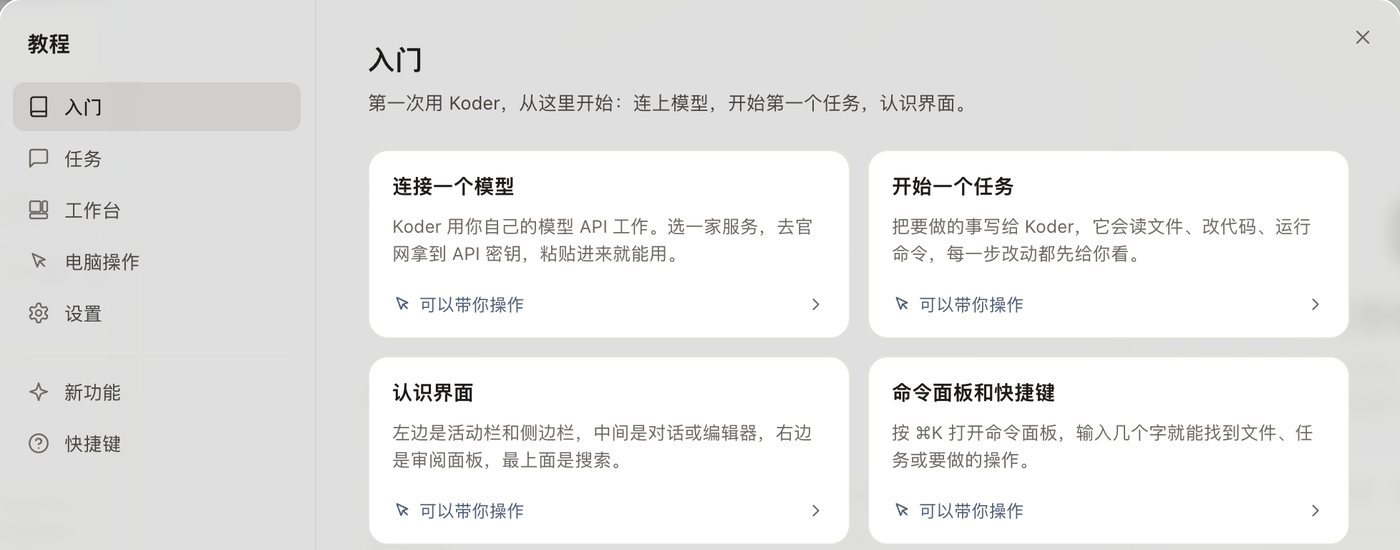
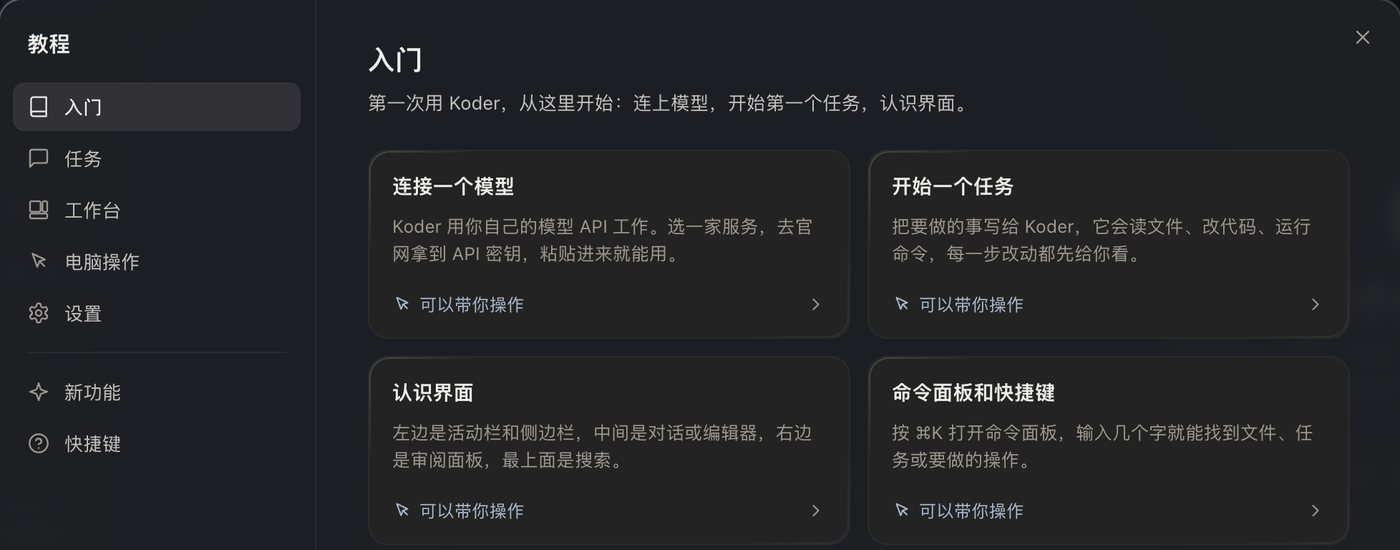
From install, to connecting a model, to accepting the first change. Settings are grouped into Personal, AI and running, Integrations, and System.
Tutorial · Settings · The windowBefore a file changes, you see the before and after. It is written only when you click Accept. Commands ask by default. Deletes and privilege changes always ask.
No account. No cloud sync. Usage is not uploaded.
Work that isn’t finished is never shown as finished.
When KARMEN BOT is about to pay, make a promise, or place an order, it stops and asks you.
| Product | Platform | Status |
|---|---|---|
| ESVORIQ 1.0 | Local model project | In training · No public weights or hosted API yet |
| Koder | Mac · Apple silicon · macOS 13 or later | 0.4.53 beta, needs an invite code |
| Koder | Mac · Intel | Not available yet |
| Koder | 64-bit Windows 10 and Windows 11 | 0.4.55 beta, needs an invite code |
| Koder for phone | Android / iOS | In development. No installer. |
| KARMEN BOT for phone | Android / iOS | In development. No download yet. |
The activity bar is on the left and the chat is in the middle. A file it wants to change shows up as a diff card, and it is written only when you accept it.
The activity bar, top to bottom, is New task, KARMEN bot, Workbench, Tasks, Files, Search, and Changes. Feedback, Tutorial, and Settings sit at the bottom. The sidebar next to it follows whatever you select. The task sidebar is your recent tasks. Open one and the middle becomes the chat. A file it wants to change shows up first as a diff card.
The diff card has only Reject and Accept. Accept is what writes to disk. A command is a separate card, and by default it also has Always allow. A confirmation waits at most 30 minutes. After that it counts as a no. The workbench home puts goals, tasks in progress, the board, work, the knowledge base, and automations together. That data lives in the Koder folder on this computer.
KARMEN LOOP
We wrote KARMEN and Koder ourselves. The kernel is called KARMEN LOOP. On your computer it works in a loop: perceive, decide, act.